Is it secure? Where are my keys stored?
dotMux runs no servers and has no account, so there’s nothing to breach on our end. Your credentials never leave your device, and the protection there is layered.
Where secrets live — and where they never go
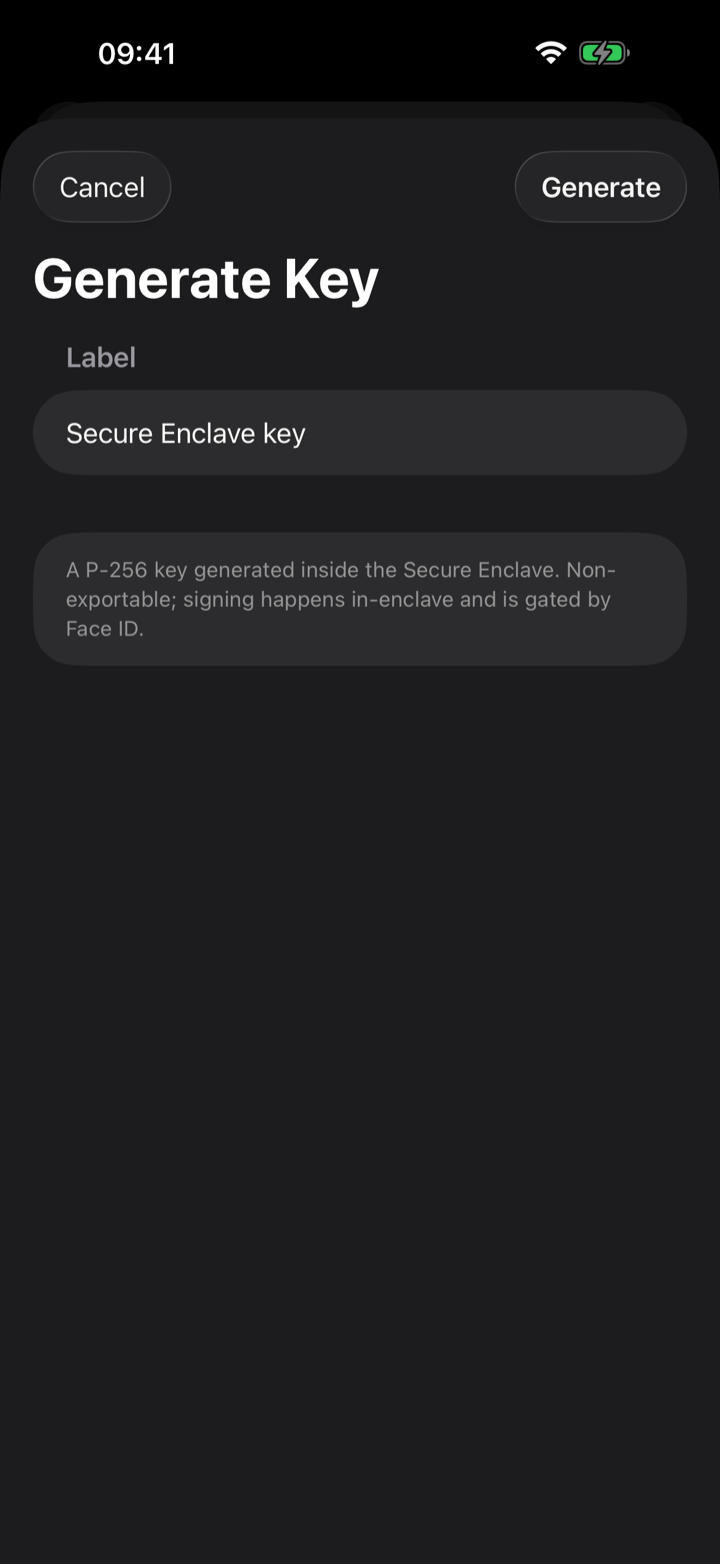
- Secure Enclave keys are generated inside the Secure Enclave, can’t be exported, and only ever sign in-chip.
- Imported keys and passwords live in the iOS Keychain, protected behind Face ID.
- Everything is device-bound (the Keychain’s “this device only, passcode required” protection) and is never synced to iCloud or sent anywhere else. If you remove your device passcode, the stored credentials are erased.
Two layers of Face ID
There’s an app-lock: Face ID (with passcode fallback) gates the whole app on launch and every time you bring it forward. And there’s a per-credential check — each stored key or password is gated again at the moment it’s used (keys require biometry; passwords accept device presence). A short grace period, a fixed two minutes, lets a quick return or reconnect through without re-prompting; it isn’t something you have to set up.
The privacy cover
Whenever dotMux isn’t the active app, an opaque privacy cover hides your terminal contents in the iOS app switcher — a glance at your recent apps doesn’t leak what’s on screen.
What dotMux collects: nothing
No analytics, no tracking, no ads, no account, no sign-up — the App Store privacy label reads “Data Not Collected,” and it’s literal. dotMux connects directly from your device to your own servers, and the developer never receives your keys, passwords, or traffic. The libraries and fonts dotMux builds on are credited under Settings → About → Acknowledgements, with each component’s license text. The full story is in the privacy policy.