Put the iPad in a keyboard case and it should feel like a terminal on a desk, not a phone app stretched wide. dotMux lays your tmux and herdr panes out side by side, answers to ⌘ shortcuts, and opens one host per window.

Free for one host · iPadOS 26+
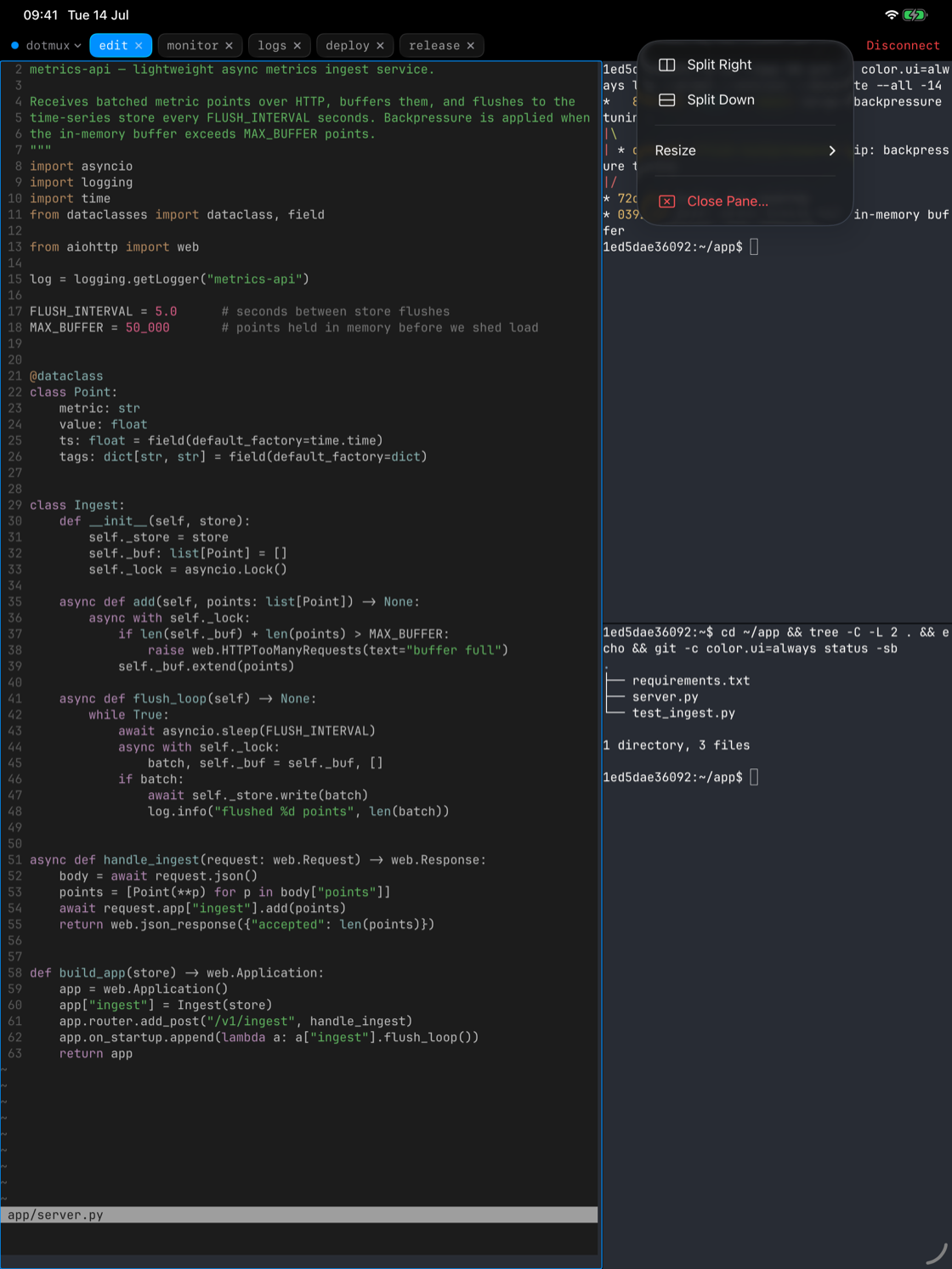
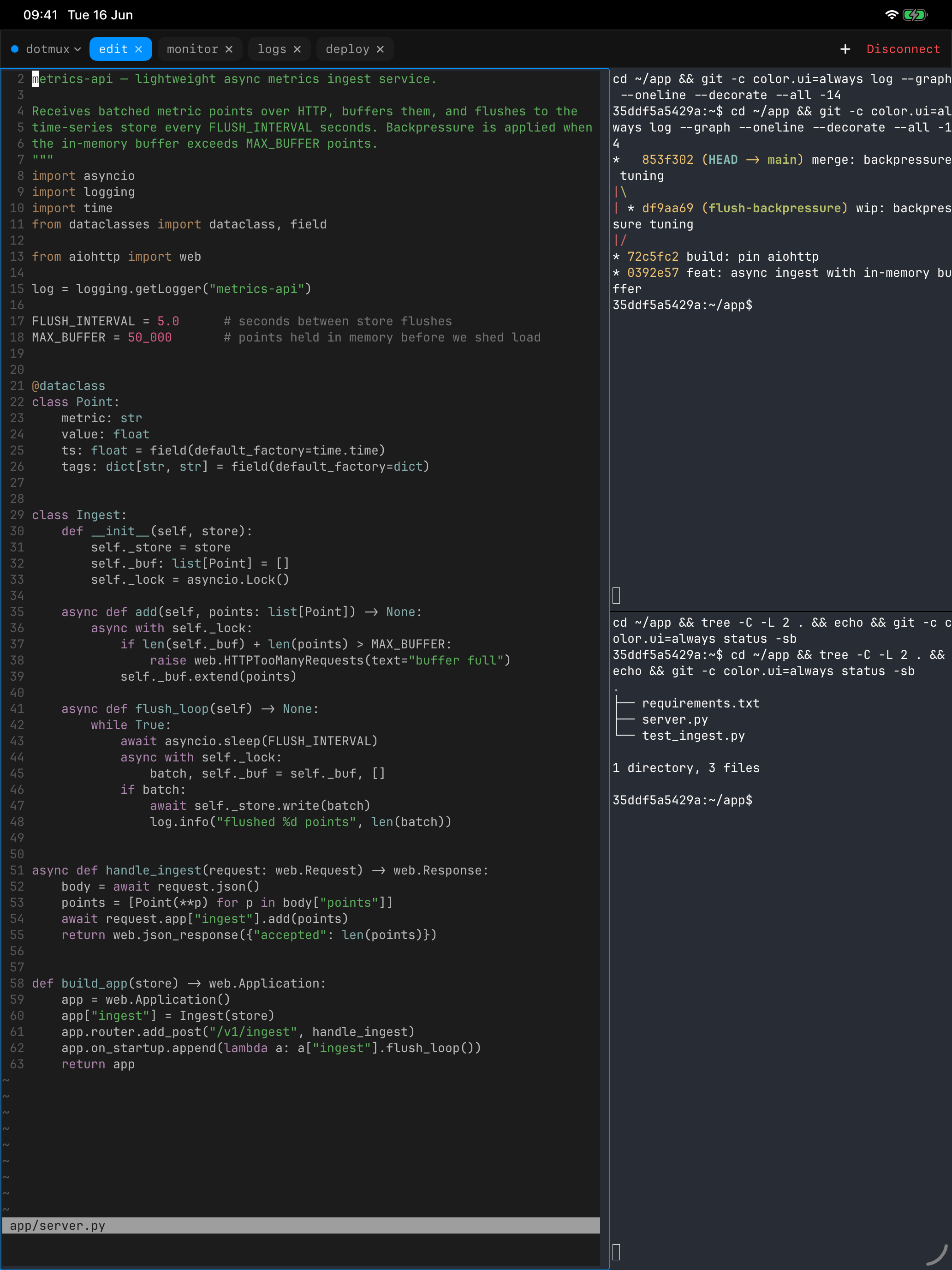
On a 13-inch screen there is room for the editor, the test run and the logs at once, so that's what you get. Each tmux or herdr pane is drawn as its own native view, placed where the multiplexer puts it. Drag a divider and the pane resizes on the server too; split, equalize and close from the pane menu.
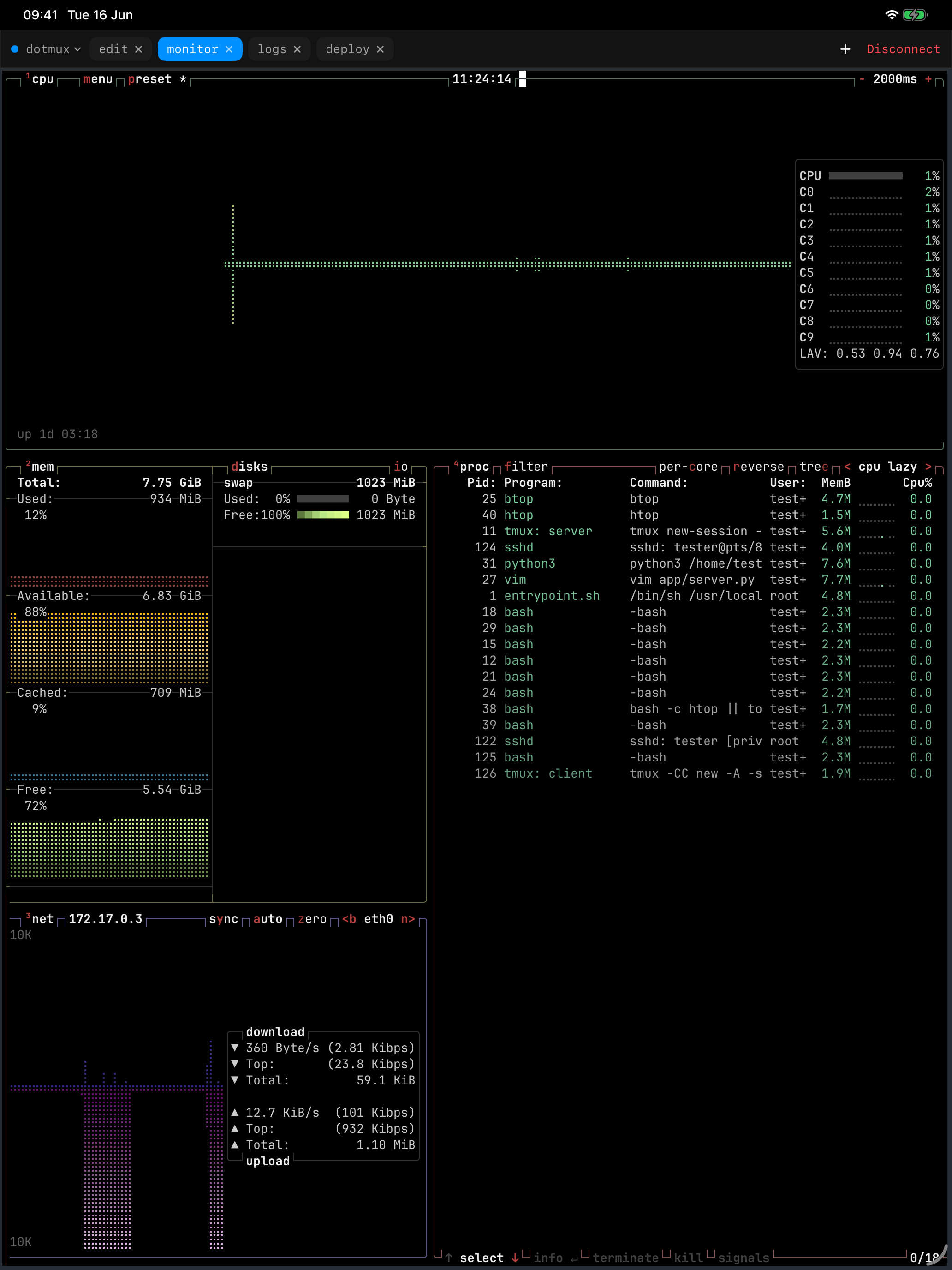
Text renders through libghostty, the engine of the Ghostty terminal, so colours, Unicode and full-screen programs like vim and htop look the way they do on a desktop terminal.

With a hardware keyboard attached, Esc, Ctrl, Tab and the arrows go straight to the remote shell and the on-screen helper bar steps aside, unless you keep it in Settings. Window and pane commands get Mac-style shortcuts:
Forget one? Hold ⌘ and the list appears. A trackpad right-click on any pane opens its menu.

Open in New Window gives a host its own iPad window. Put staging next to production with iPadOS multitasking, or keep two views of the same machine. Every connection stays open when you move away from it, so going back is a tap rather than a fresh login.
Group machines into folders, homelab apart from production; a folder's header shows how many of its hosts are live right now.

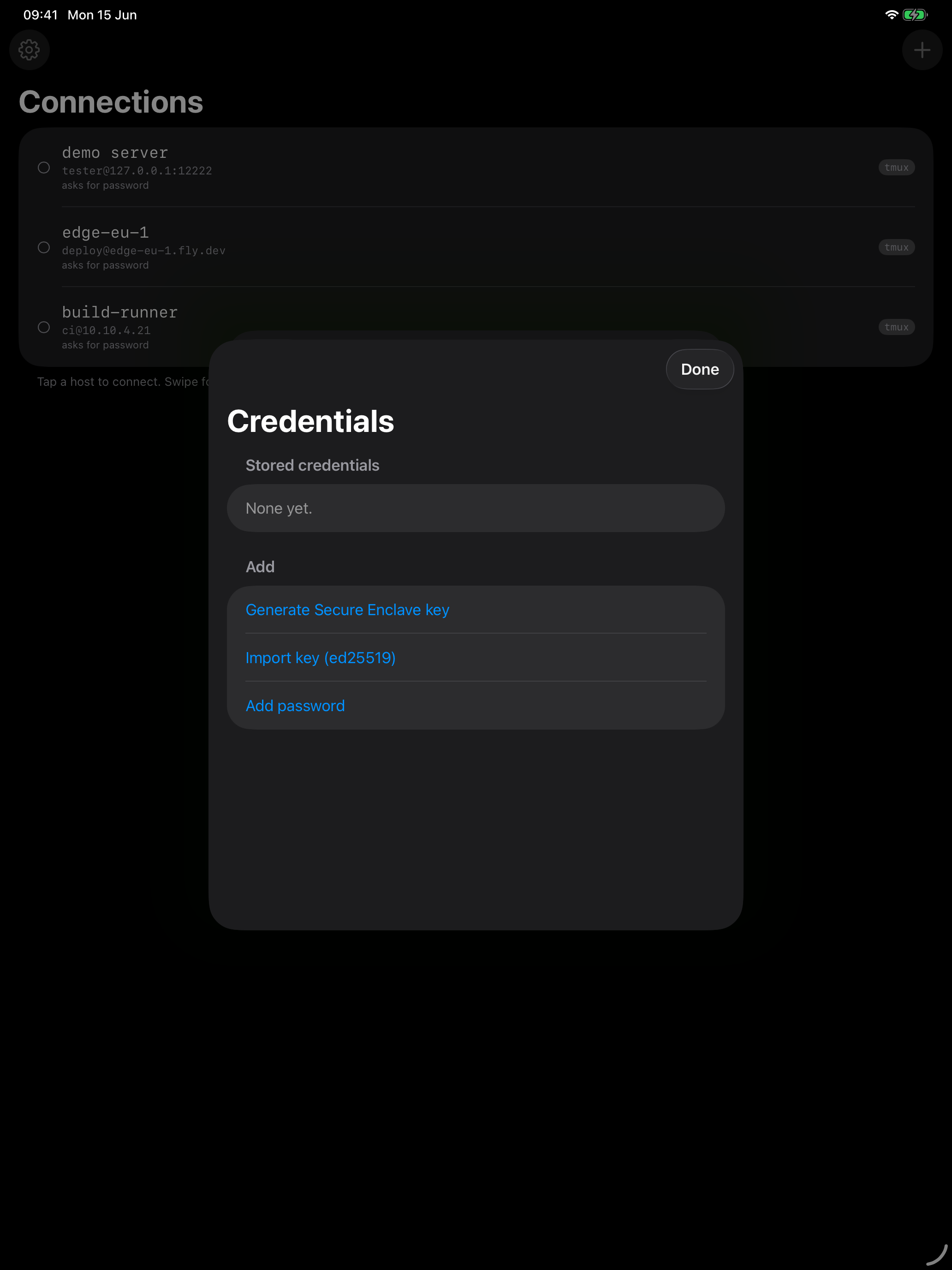
Generate a key in the Secure Enclave and it can sign logins but never be exported, not even by dotMux. You can also import ed25519 or ECDSA keys, or use a password. Credentials sit in this iPad's Keychain behind Face ID and are never synced to iCloud. There is no dotMux account or relay: the iPad talks to your servers directly.