herdr & agents
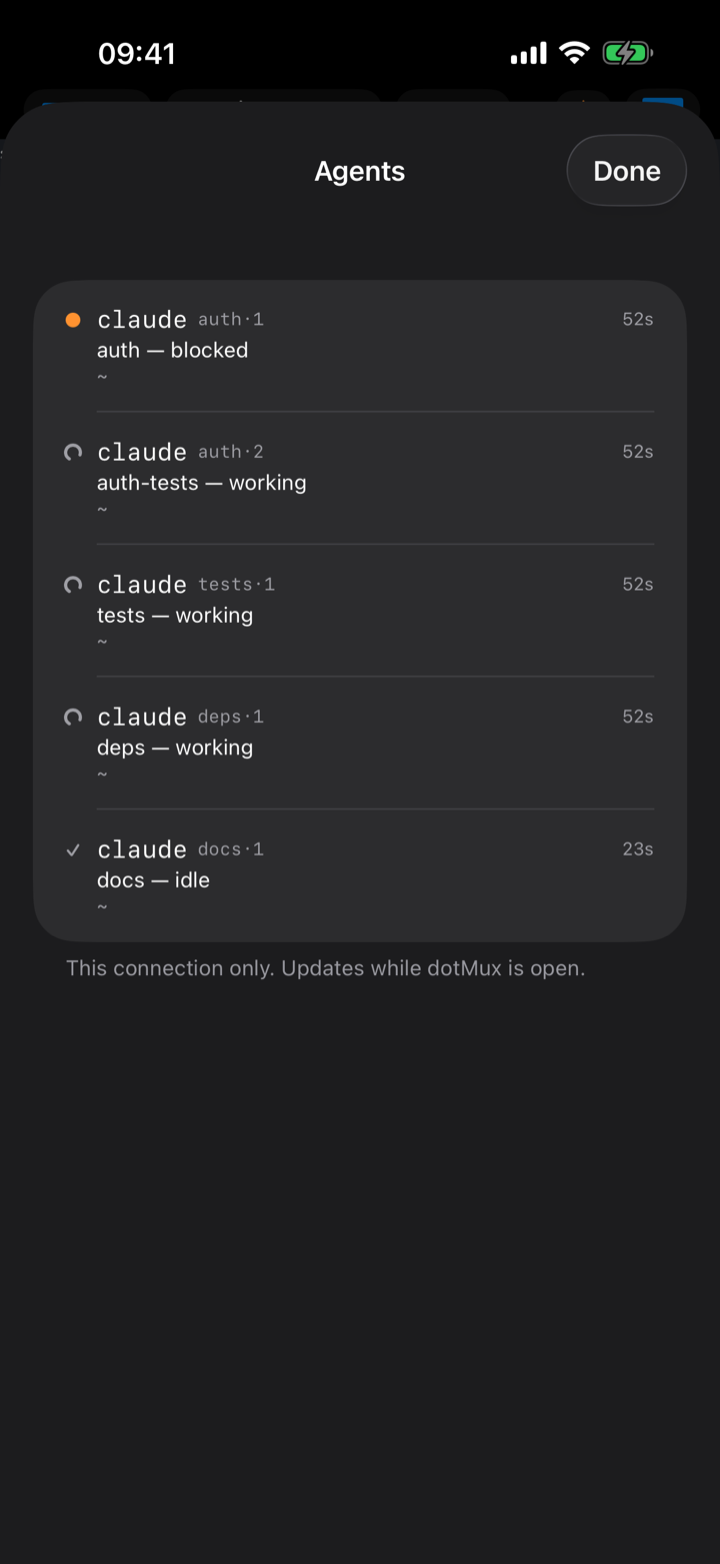
See which coding agent is blocked, working or done, and jump straight to the one that needs you.
- In a host's Add/Edit Host form, set Multiplexer to herdr. The server needs herdr 0.9.0 or newer.
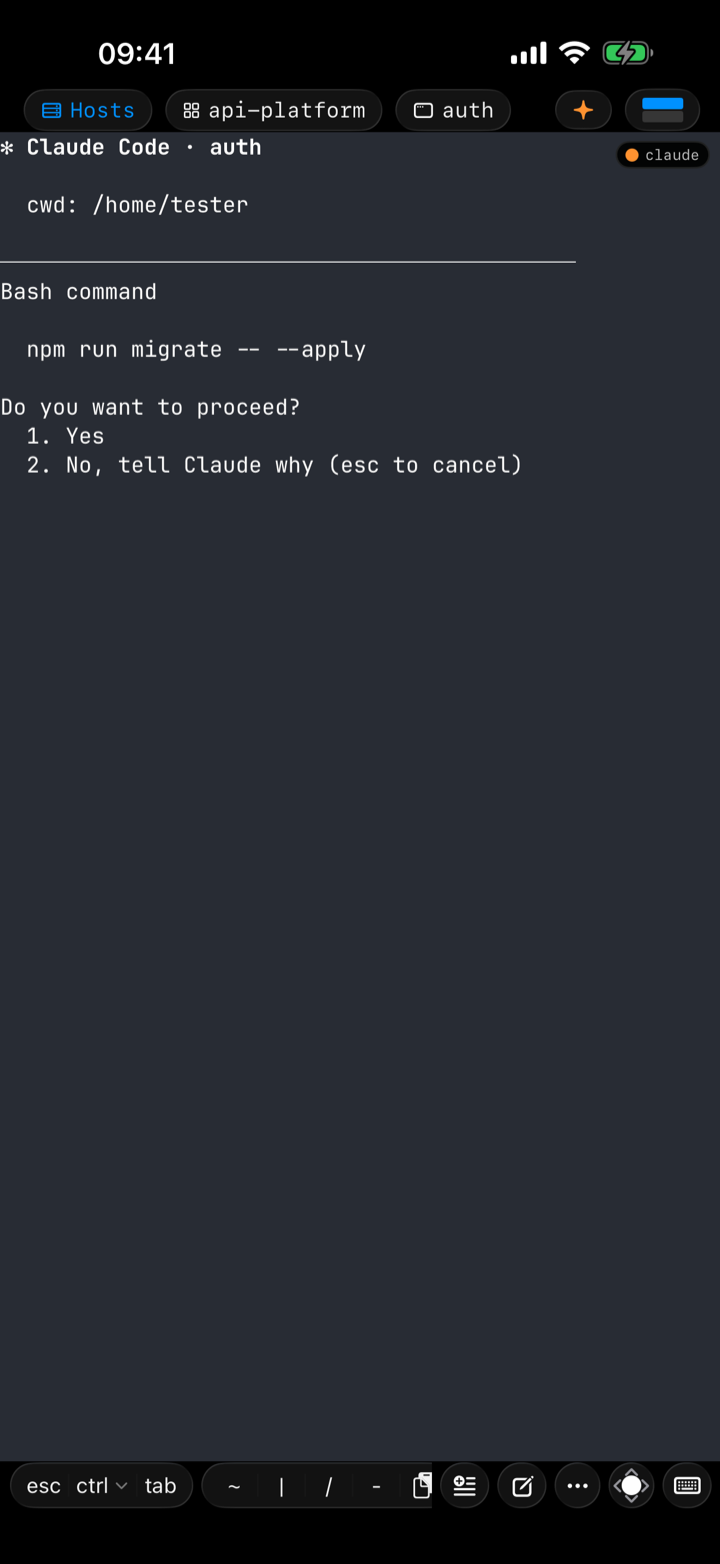
- Connect. herdr's workspaces become tabs and panes, and each agent's state shows in the tab bar and on its pane.
- Tap the Agents button in the top bar to list every agent and its state, then tap one to jump to its pane. Type in a pane to take control of it.
With Forward Taps to Programs on (Settings → Links, on by default), a tap clicks a program that asked for the mouse, like Claude Code or htop, and takes control of the pane as typing does. Needs herdr 0.9.2 or newer.