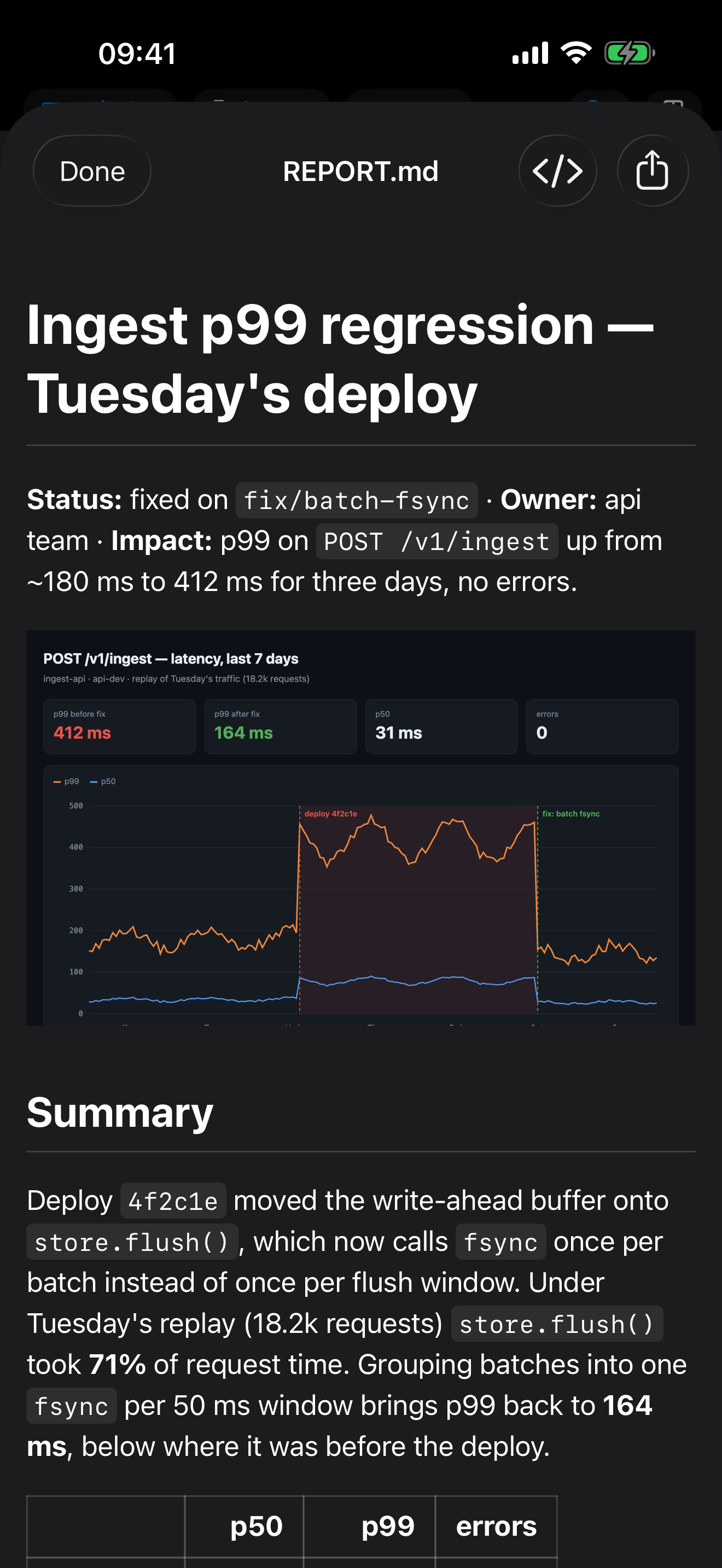
dotMux turns every path a terminal prints into a link. Tap one and the file opens from the server — a README with its screenshots, an HTML report, a diff-sized chunk of code at the right line. No second app, no second login: files ride the SSH connection your session already has.

Free for one host · iOS 26+
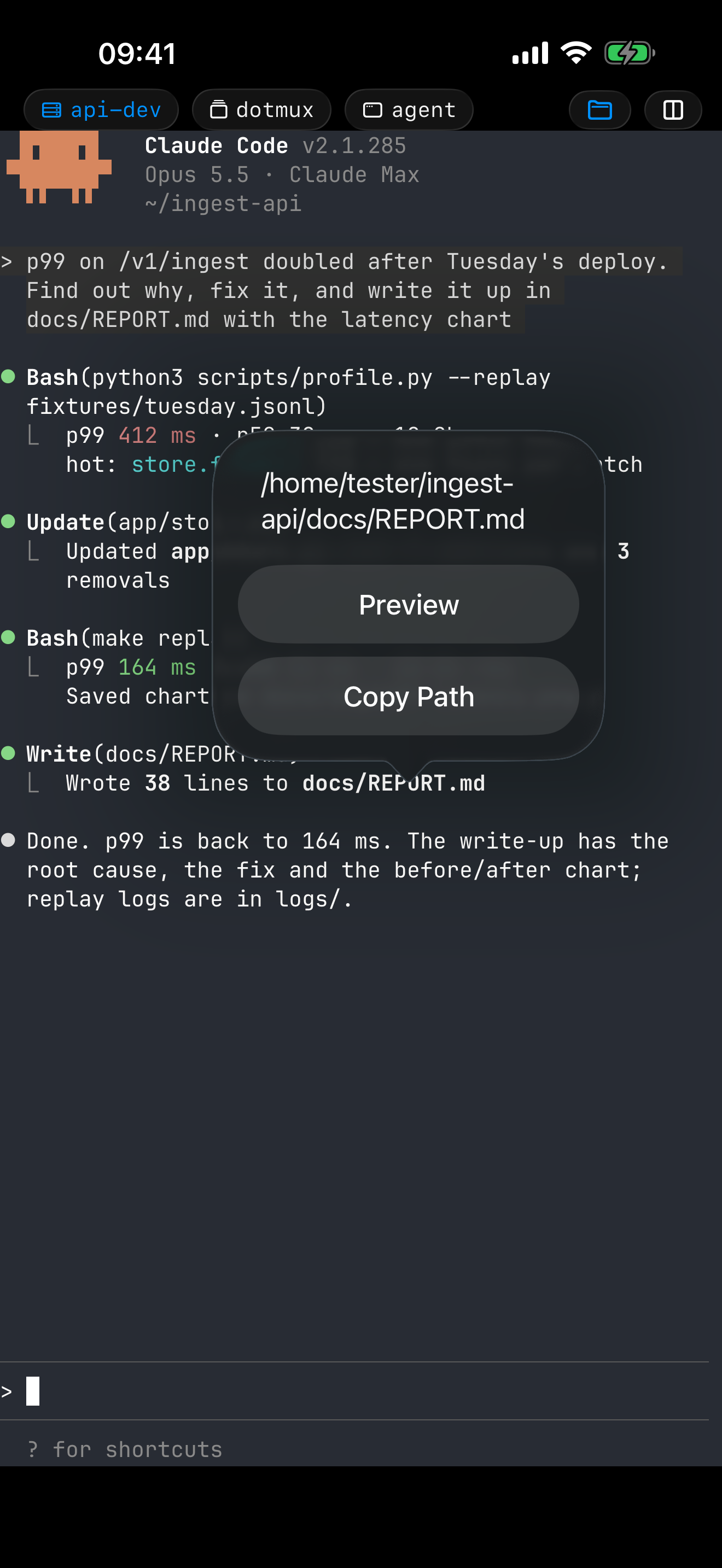
Plain text or a file:// link, absolute or relative to the pane's working directory. dotMux asks the server whether it exists before it treats it as a link, so a stray word never opens anything. A tap always asks first: Preview, or Copy Path.
Add a line number after the name, the way compilers and grep print it, and the viewer jumps to that line. Under tmux or herdr, a relative path is read from the folder that pane is in; on a plain SSH session it starts from your home folder.

Markdown the way GitHub shows it, images included, read from the server as the page needs them. HTML reports with their scripts and styles. SVG. Code and logs in a monospace viewer with line numbers. Everything else QuickLook understands — and Open in… for the rest.
Previews are read-only and live in memory and a temporary folder that is cleared when the connection ends, behind the same privacy cover as the terminal. Large files ask before they download.

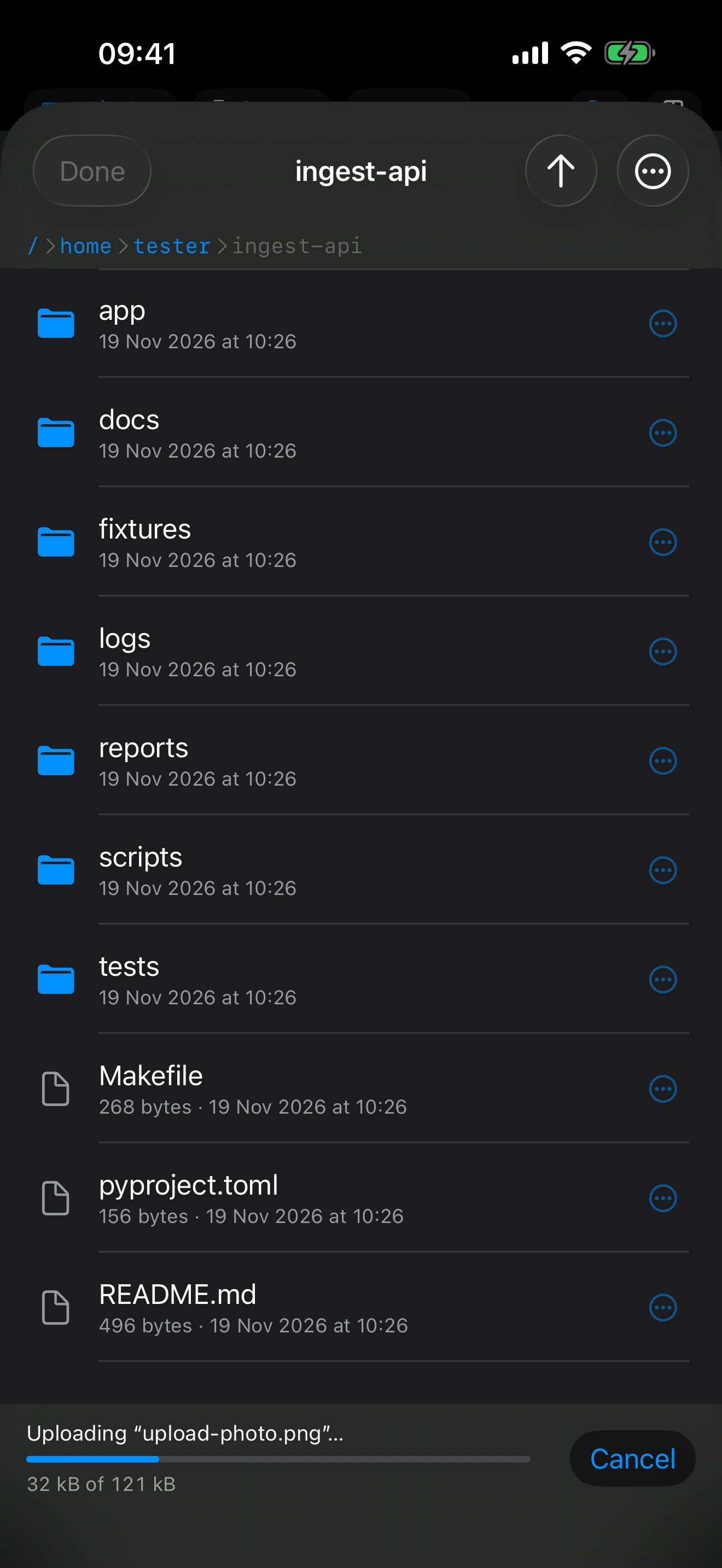
Files in the top bar opens the pane's folder. Upload from Files or Photos, and download to your iPhone with progress, rename, move, make folders, delete several at once. Info shows permissions and owner, and lets you change them.
Deleting always asks first, a folder names how many items go with it, and a name clash offers Replace or Keep Both instead of overwriting anything. Insert Path types a file's path into the terminal for you.

No editor: share a file out, edit it, upload it back with Replace. No Files app integration or iPad drag and drop yet. One transfer at a time per connection — a long download holds image paste until it finishes. If a pane has ssh'd on to another machine, its paths resolve against the first one.
The full list, with how each case behaves, is in Files: links, preview and browser.