Reach a localhost web UI with port forwarding
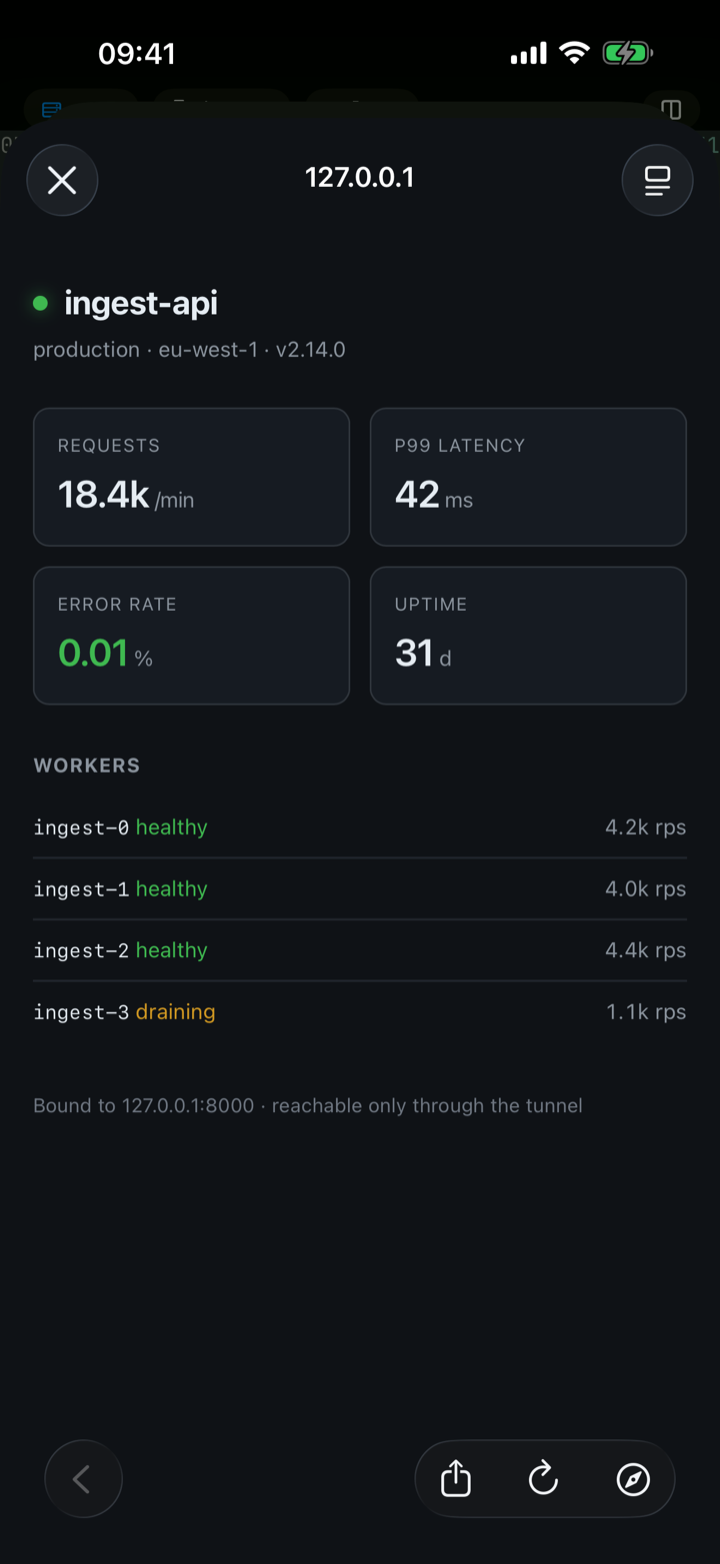
Plenty of what runs on a server has a web UI — a dashboard, a notebook, an admin panel — bound to localhost so it isn’t exposed to the network. dotMux gets you to it without exposing anything: a local port forward carried over the SSH connection you already have open.
Set one up
Forwards belong to the host record, so you configure them once, in the host editor. Each one is a local port, a remote host, and a remote port:
- Pick a local port above 1024 (iOS can’t bind privileged ports).
- Name the target as the server sees it —
localhostmeans the server itself, and any name the server can resolve works, so you can reach a database box the server can see but your phone can’t. - Save. The forward is established right after the next successful connect, and torn down when you disconnect.
The listener binds 127.0.0.1 only — device-local. Nothing else on your network can reach it, even on shared Wi-Fi.
The Forwards panel
Open Forwards from the session menu to see every forward on this connection and its state: connecting, active, or failed with the reason. Tap the Open button on an active row and dotMux opens http://127.0.0.1:port in an in-app browser — your dashboard, one tap from the terminal, no VPN and no port exposed.
Reverse and dynamic (SOCKS) forwarding aren’t supported; this is the local leg only.