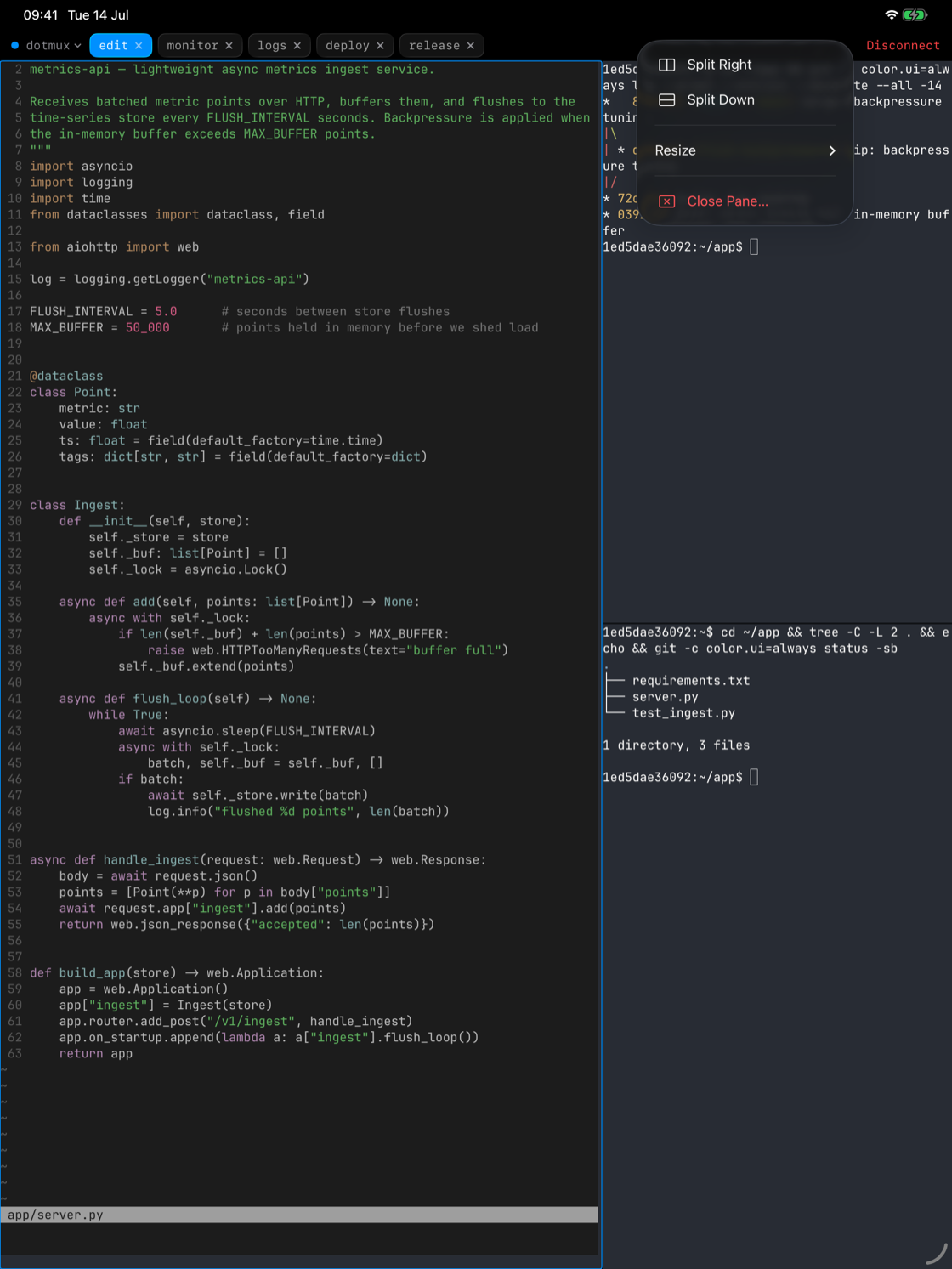
iPad workstation
Panes side by side, a host in every window, and the shortcuts your hands already know.
- Split a window and its panes sit side by side as native views. Drag a divider to resize them.
- Swipe a host in the connections list, or open its context menu, and choose Open in New Window to put two sessions side by side.
- With a hardware keyboard, hold ⌘ to see every shortcut:
⌘Dsplits,⌘1–9jumps to a window. Right-click a pane for its menu.