iPad, multi-window and desk setups
dotMux is a single universal app, but it makes the most of a big screen.
True side-by-side splits
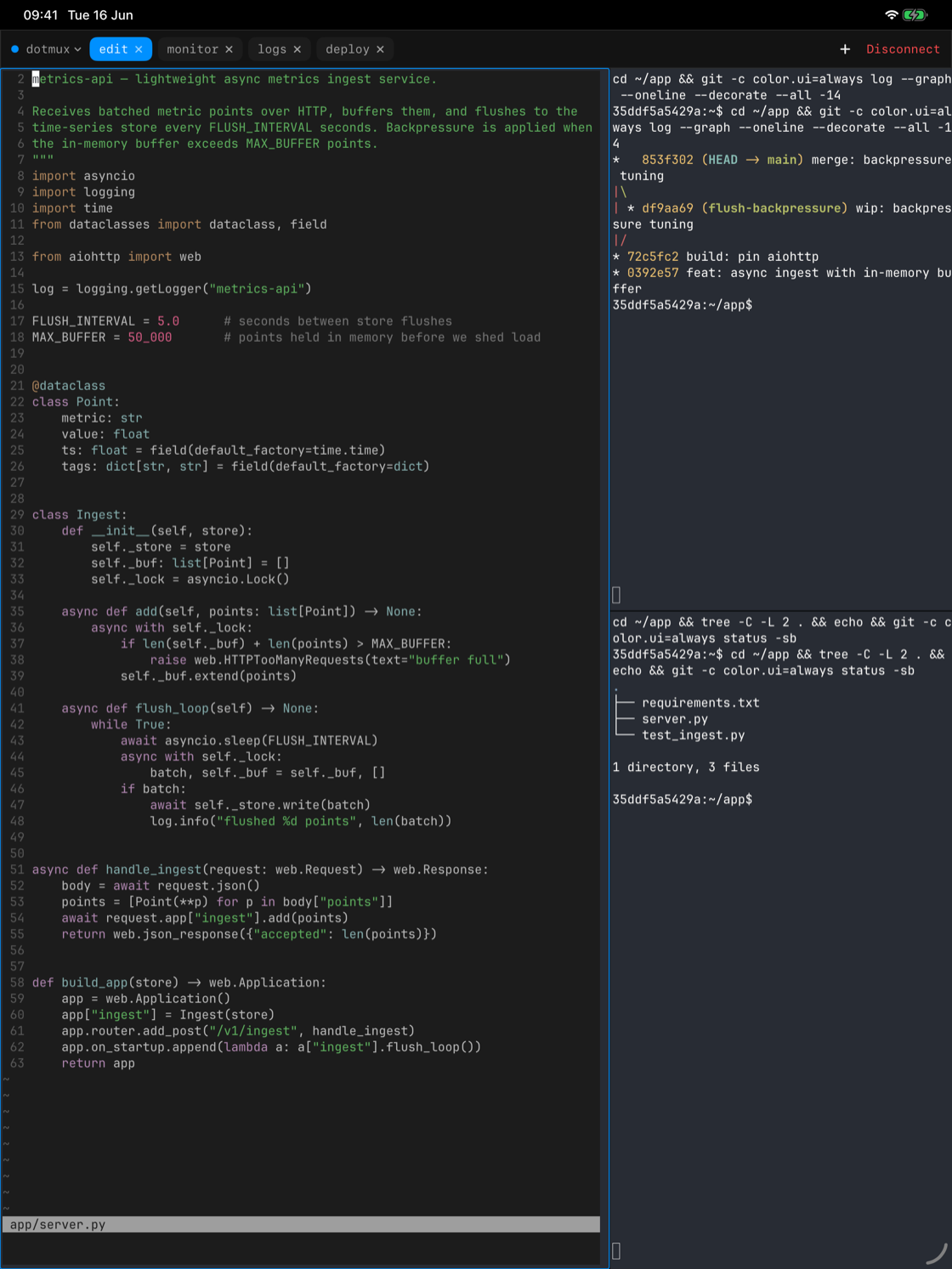
Where iPhone shows one focused pane with the minimap switcher, iPad renders your panes as adjacent native views — an editor, your logs, and a system monitor at once, sized the way tmux or herdr says, resizable by dragging the dividers.
Hosts in multiple windows
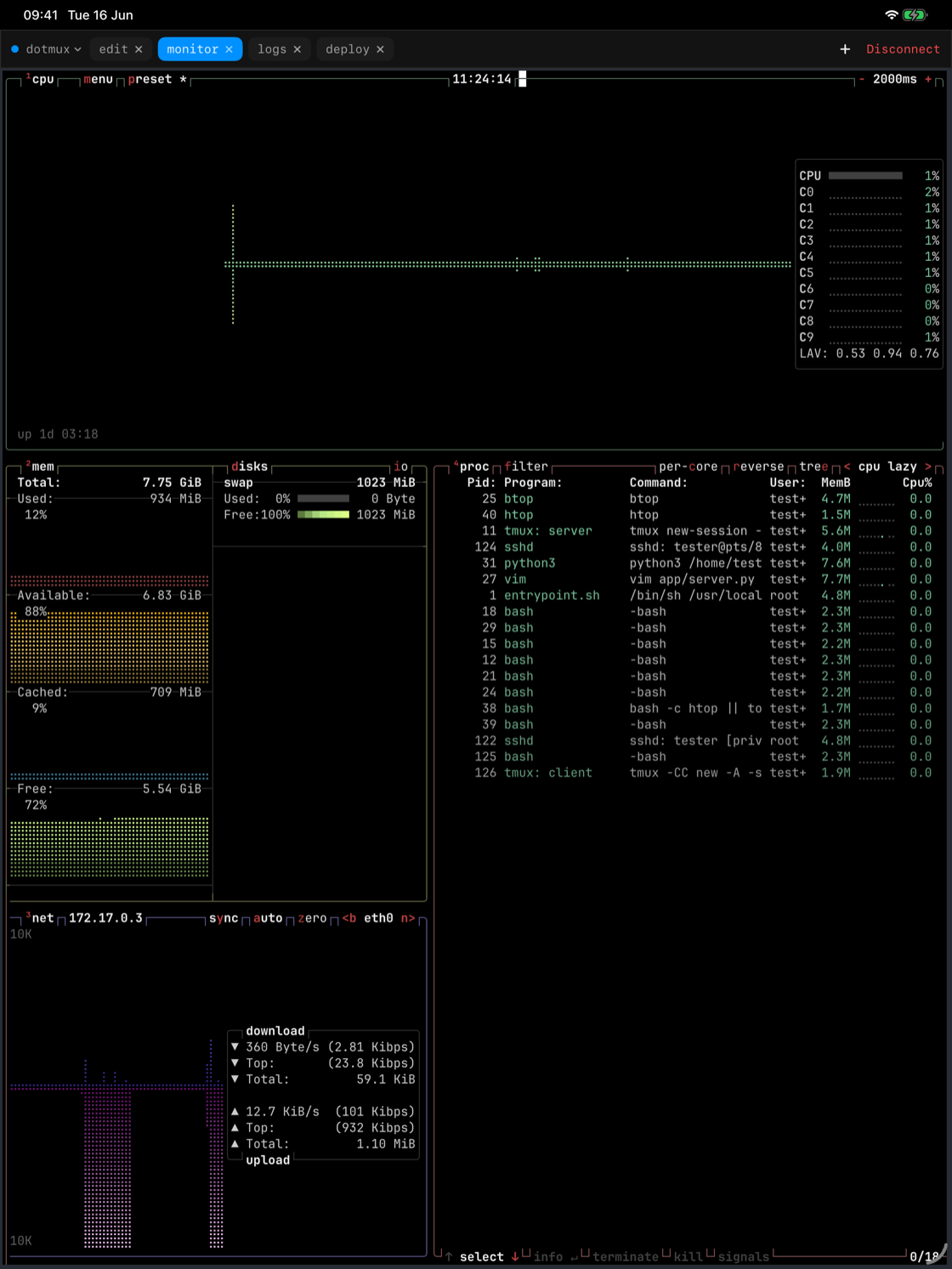
Open a host in its own window from the connections list (swipe or context menu → Open in New Window), and use iPadOS multitasking to set two sessions side by side — two servers, or two views of the same one.
Pointer, right-click, and the ⌘ HUD
With a keyboard and trackpad attached, dotMux is built for desk use: right-click a pane for its menu, and the full shortcut set is under your fingers — hold ⌘ for the on-screen list.