Keyboard bar
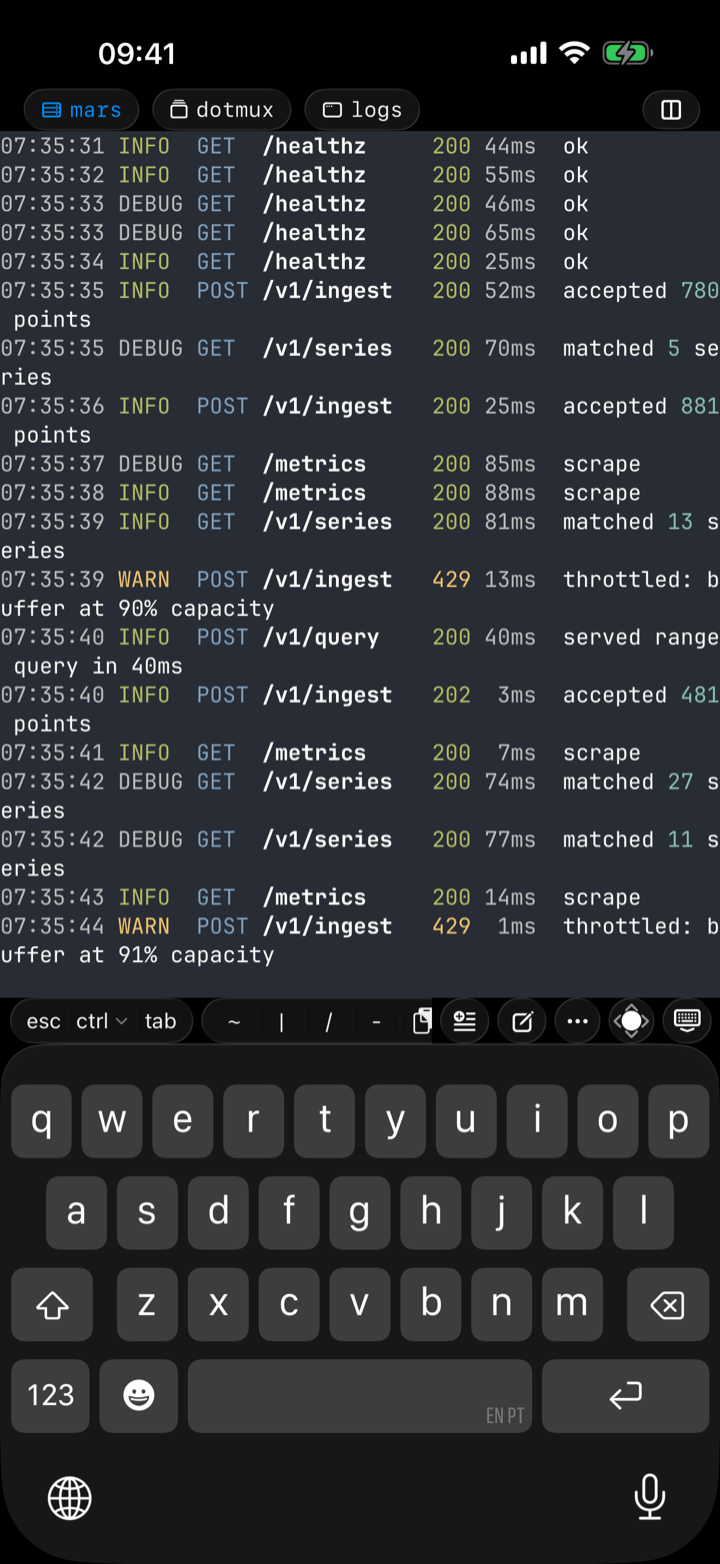
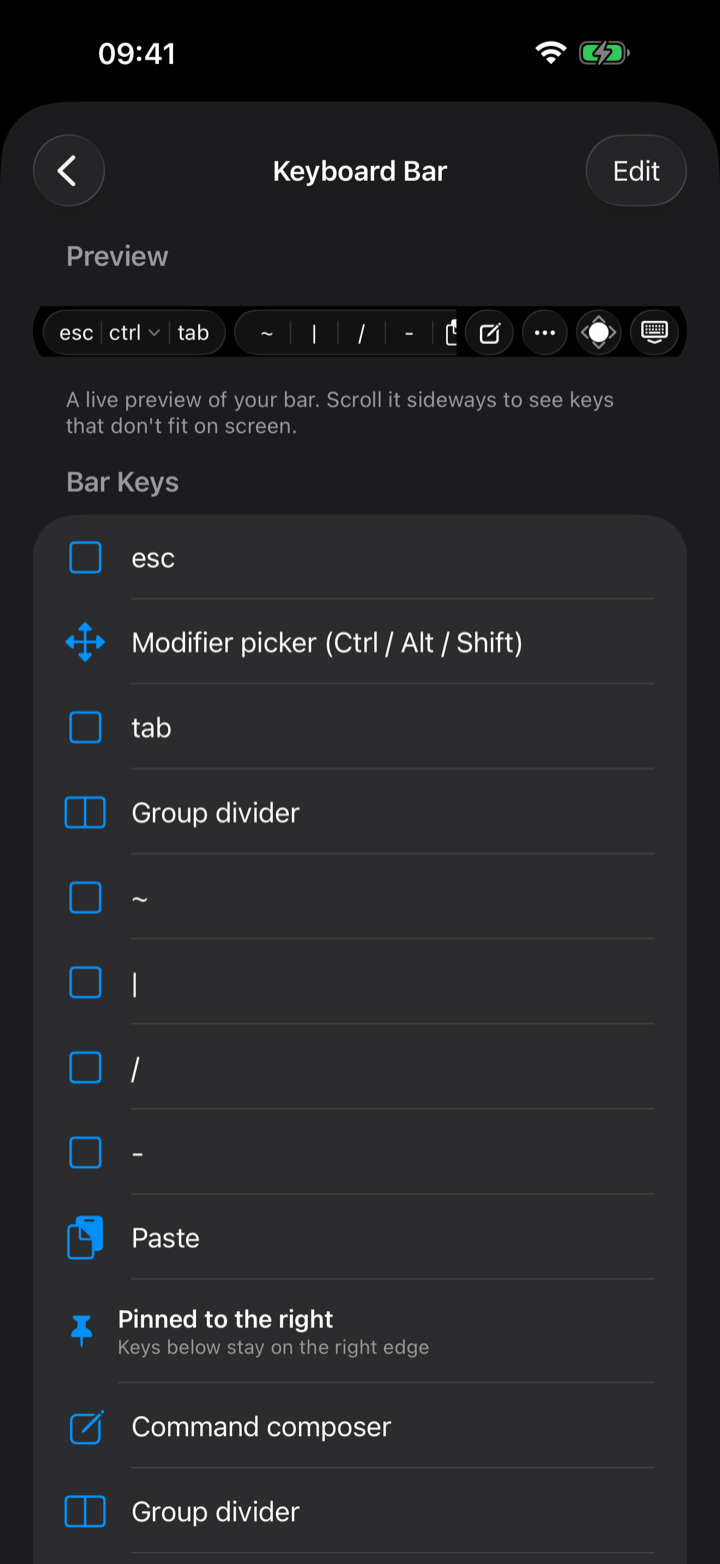
Esc, Ctrl, Tab and arrows sit above the keyboard, and every key on the bar is yours to change.
- Tap Ctrl, then a letter, to send Ctrl-C and the rest. Double-tap to lock it, and long-press to switch to Alt or Shift.
- Nudge the joystick toward a direction for the arrow keys, and hold it to repeat.
- In Settings → Keyboard → Customize Keyboard Bar, add, remove and reorder keys, then Export the layout to use on another device.
Long-press the keyboard button on the bar to turn Hide Keyboard Until Tapped on or off: terminals then open with the keyboard down, ready to read, until you tap. It's also in Settings → Keyboard.