Port forwarding
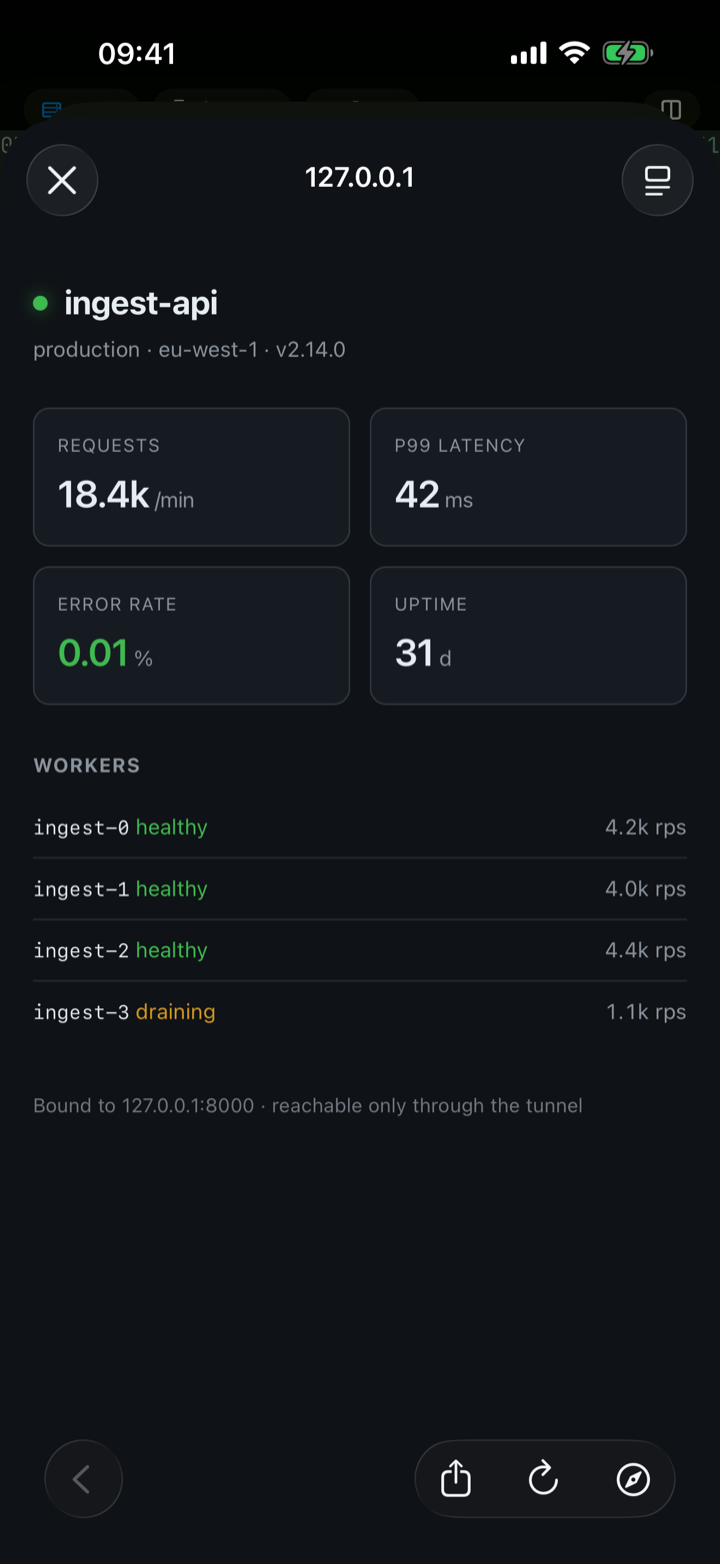
Open a web UI that only listens on your server's localhost, without exposing a port.
- Tap a
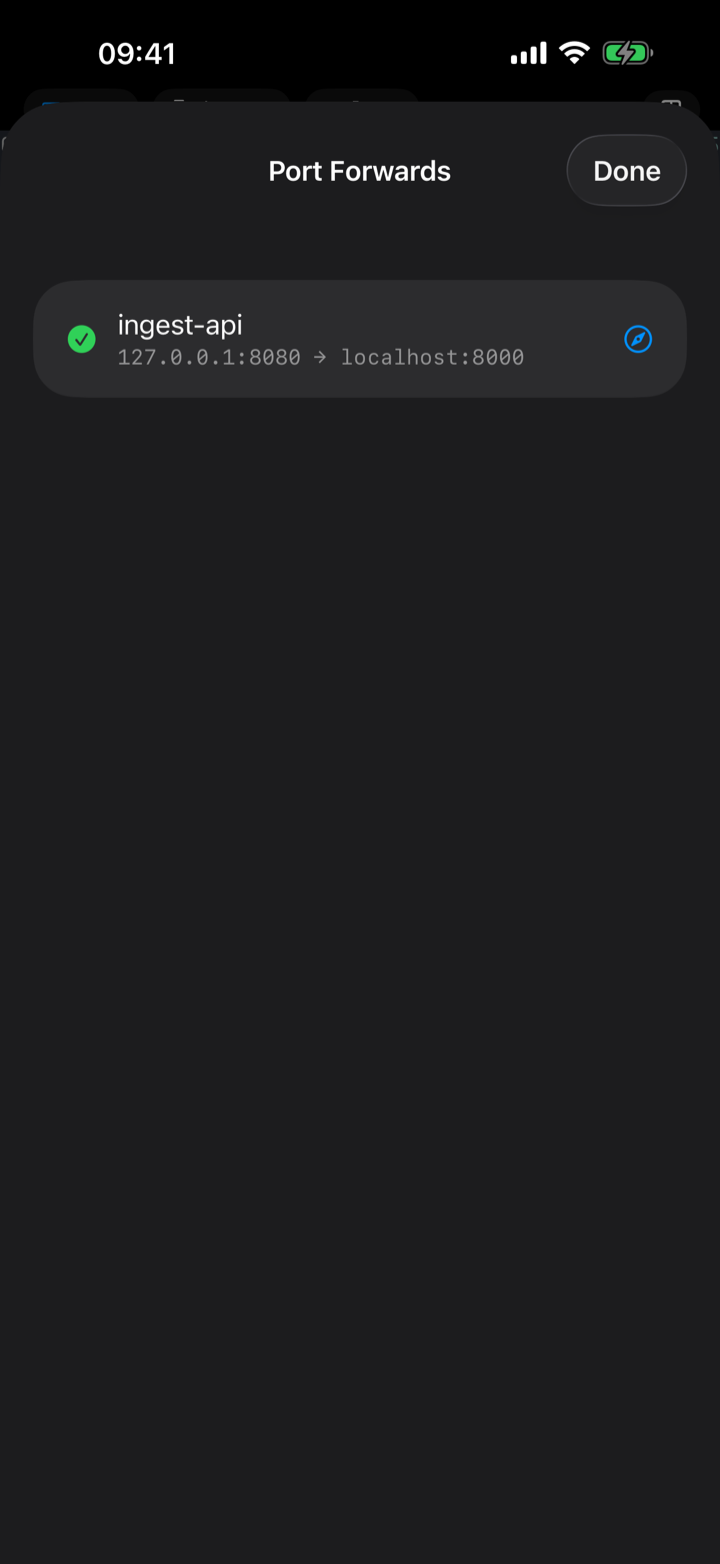
localhostlink a pane prints. dotMux forwards that port over your SSH connection and opens the page in the in-app browser. - For a dashboard you open every time, save a forward in the host editor: a local port, a remote host and a remote port.
- Open Forwards from the session menu to see each forward's state, and tap Open to view it.