Talk to your agent
Paste screenshots into Claude Code, copy its answers out cleanly, and write long prompts in comfort.
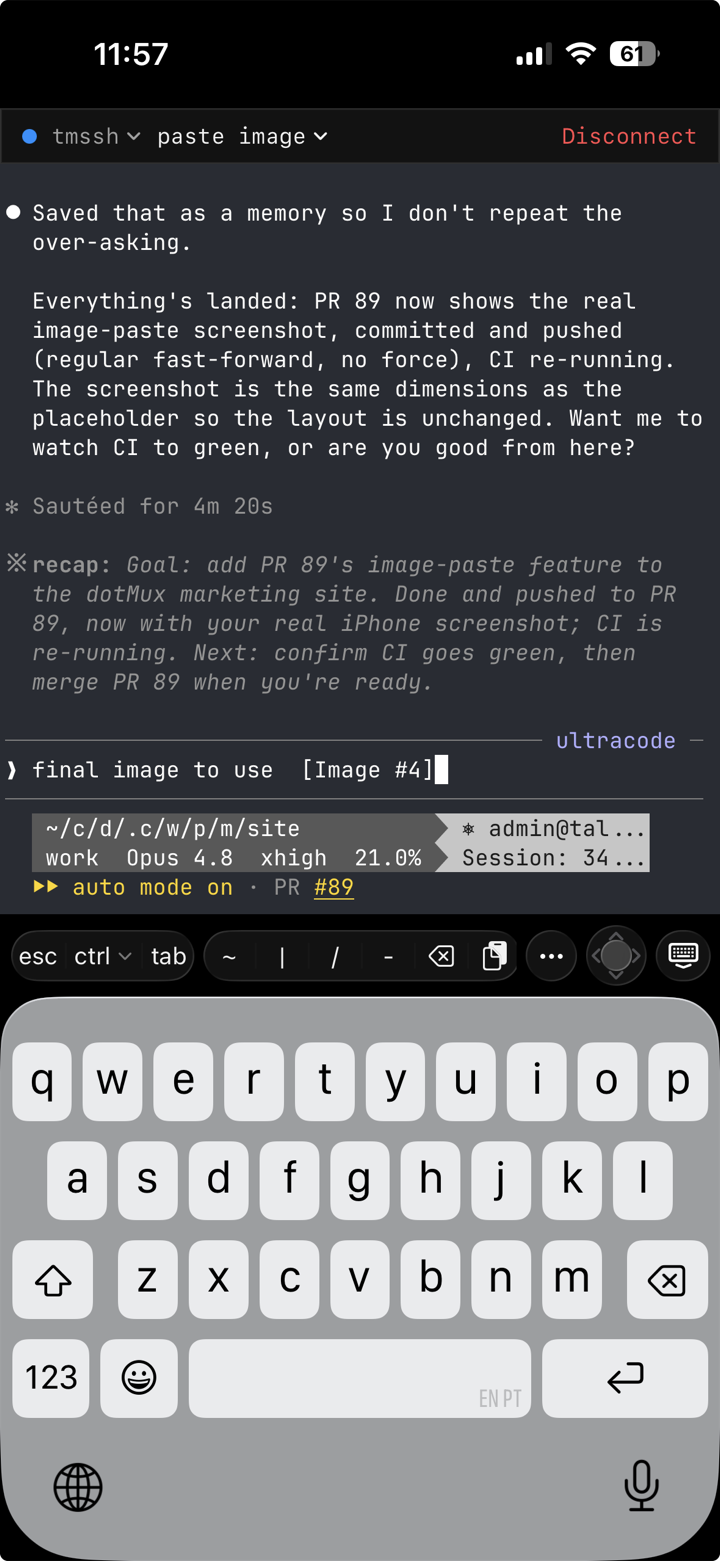
- Copy an image on your device and paste it into Claude Code. dotMux uploads it to the host, and it arrives as
[Image #1]. - Long-press and drag over Claude Code's output to copy whole lines, without the line breaks it wrapped on screen. Copy Joined does the same for your own selection.
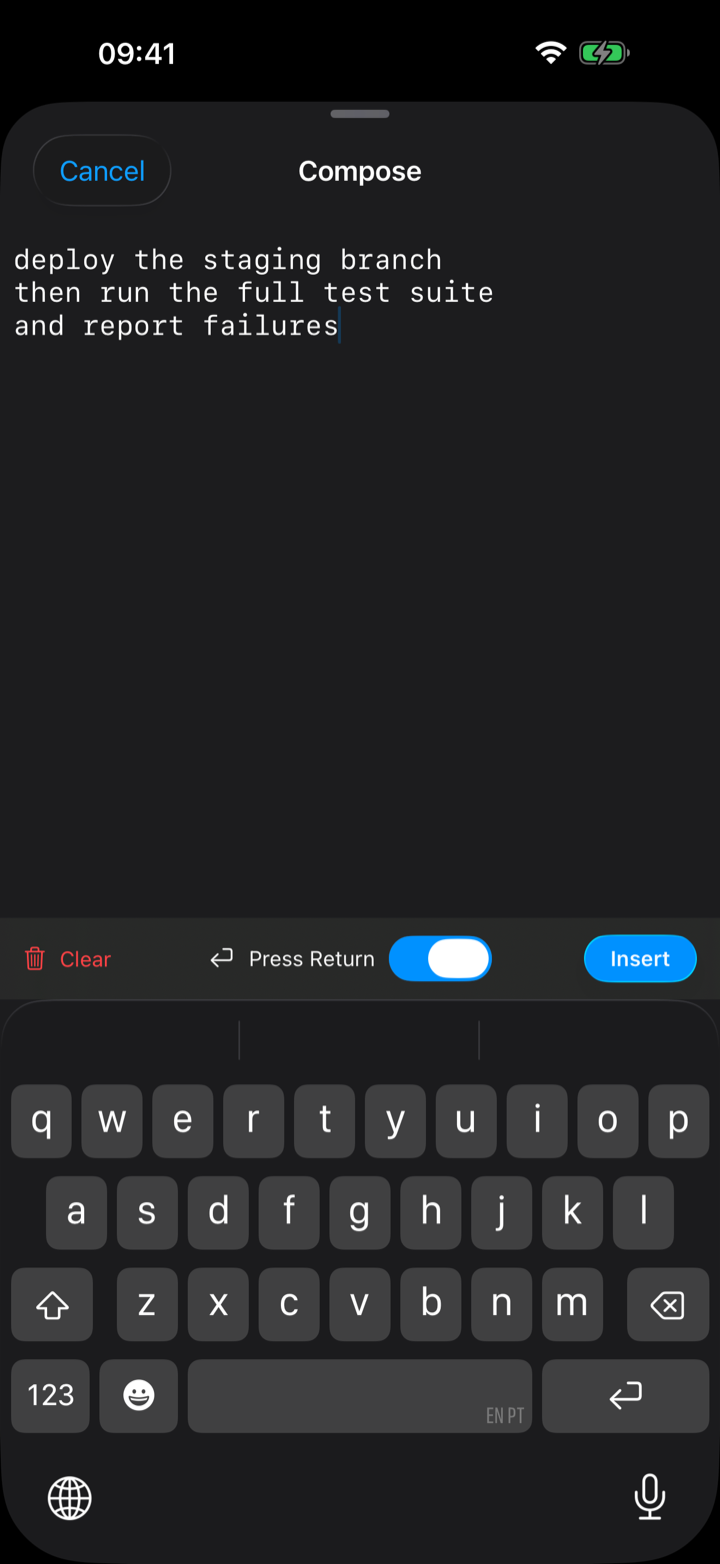
- Tap the compose key to draft a long prompt and send it in one go. Tap a link the agent prints, like its pull request, to open it.
Read more
- Paste images into Claude Code and other CLIs
- Select and copy text, even out of Claude Code
- Long commands and snippets
- Tapping links in terminal output