
Connect your first host
Add a server once and connect straight from your device: no account, no relay.
- On the connections list, tap Add Host and enter the hostname, port and username.
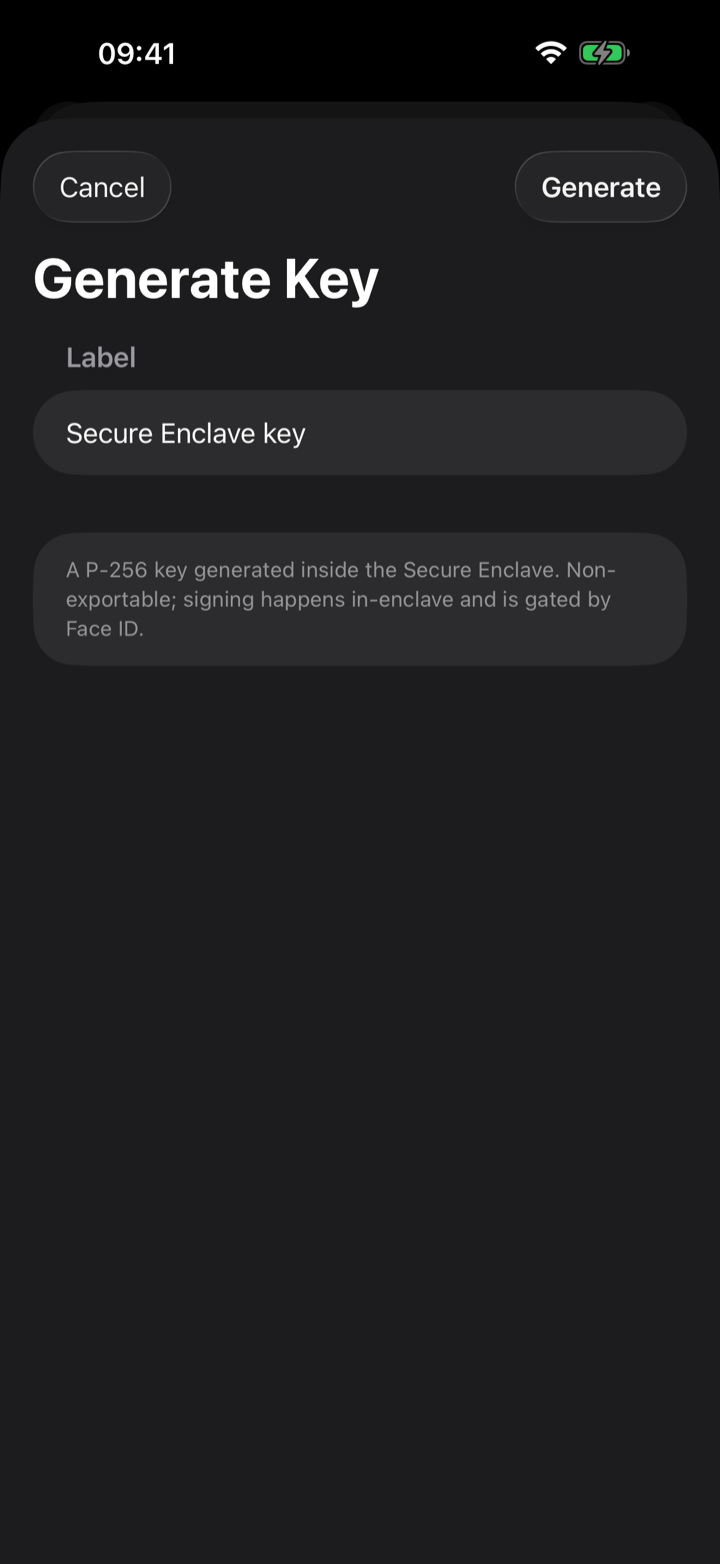
- Under Credential, generate a Secure Enclave key, paste an ed25519 key, or save a password.
- For a Secure Enclave key, tap Copy public key and add it to the server's
authorized_keys. Save, then tap the host to connect.