tmux, made touchable
Your tmux windows become tabs and your panes become native views. No Ctrl-B anywhere.
- Connect to a host with tmux. Each window becomes a tab, and tapping the session name lists every session to switch to.
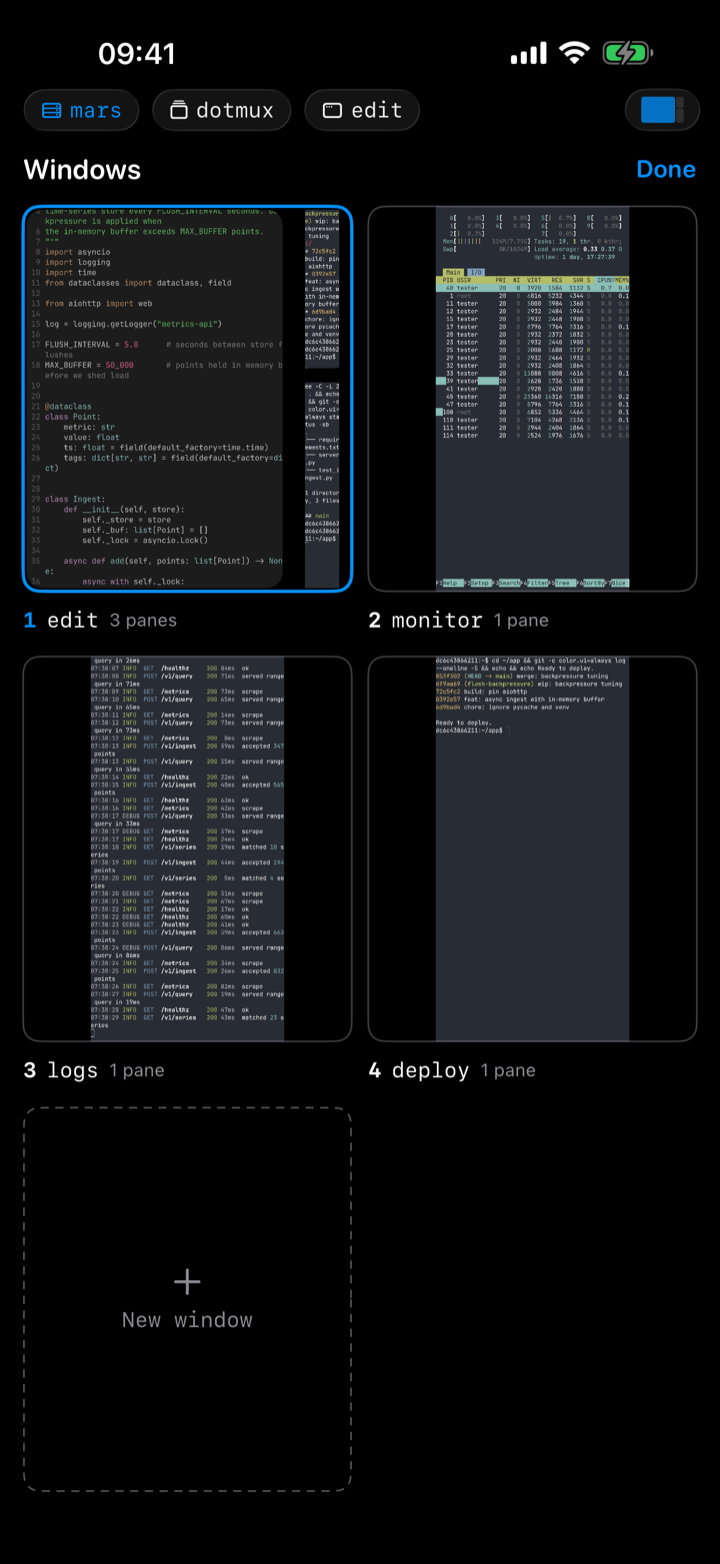
- Open the window picker: each window is a live tile of its real output. Tap one to go there.
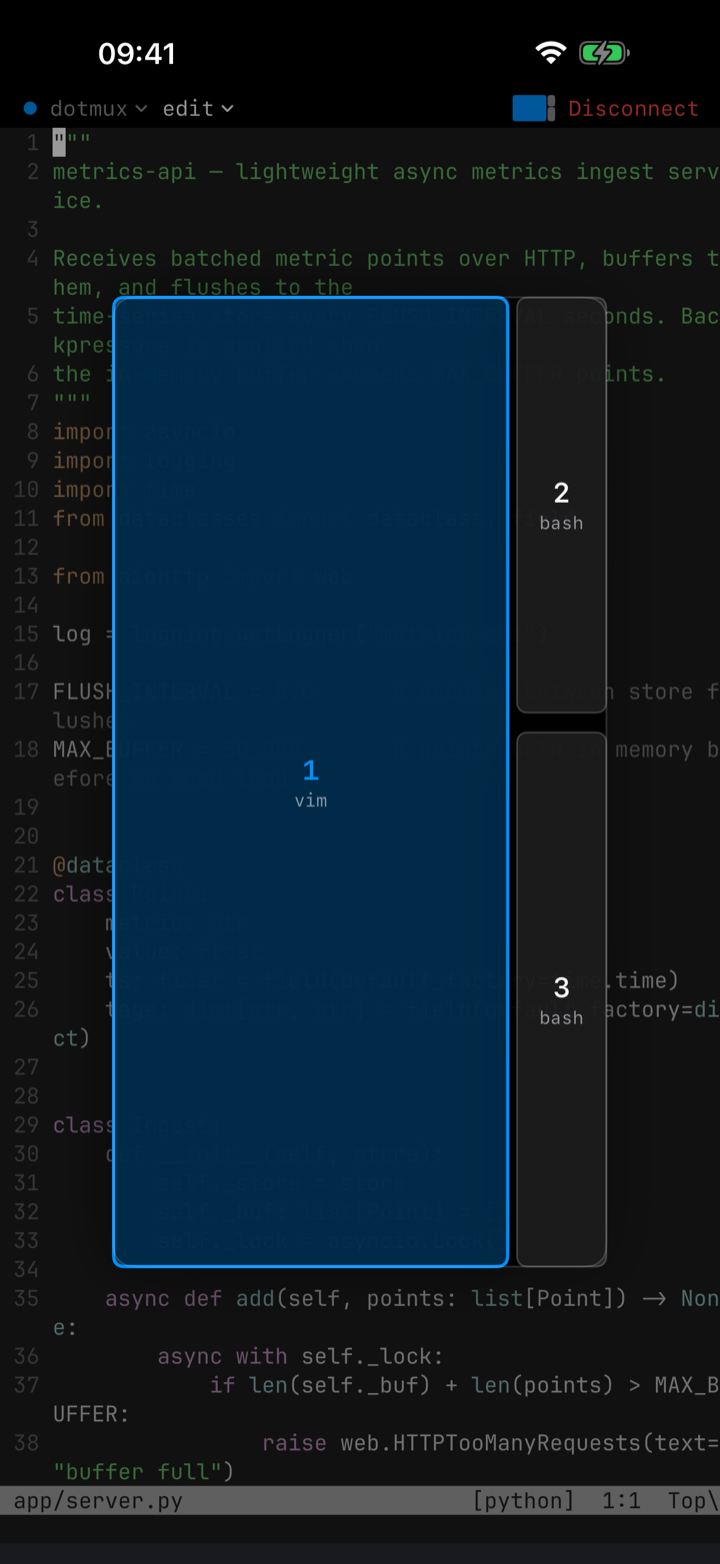
- Open the pane menu to split, resize or close a pane, or drag a divider. On iPhone, the minimap in the tab bar picks a pane.
With Forward Taps to Programs on (Settings → Links, on by default), a tap that isn't on a link clicks a program that asked for the mouse, like Claude Code's Jump to bottom or htop.
Read more
- What is tmux control mode, and do I need it?
- tmux windows as tabs, with live previews
- Split, resize and close tmux panes
- List, switch, create and kill tmux sessions