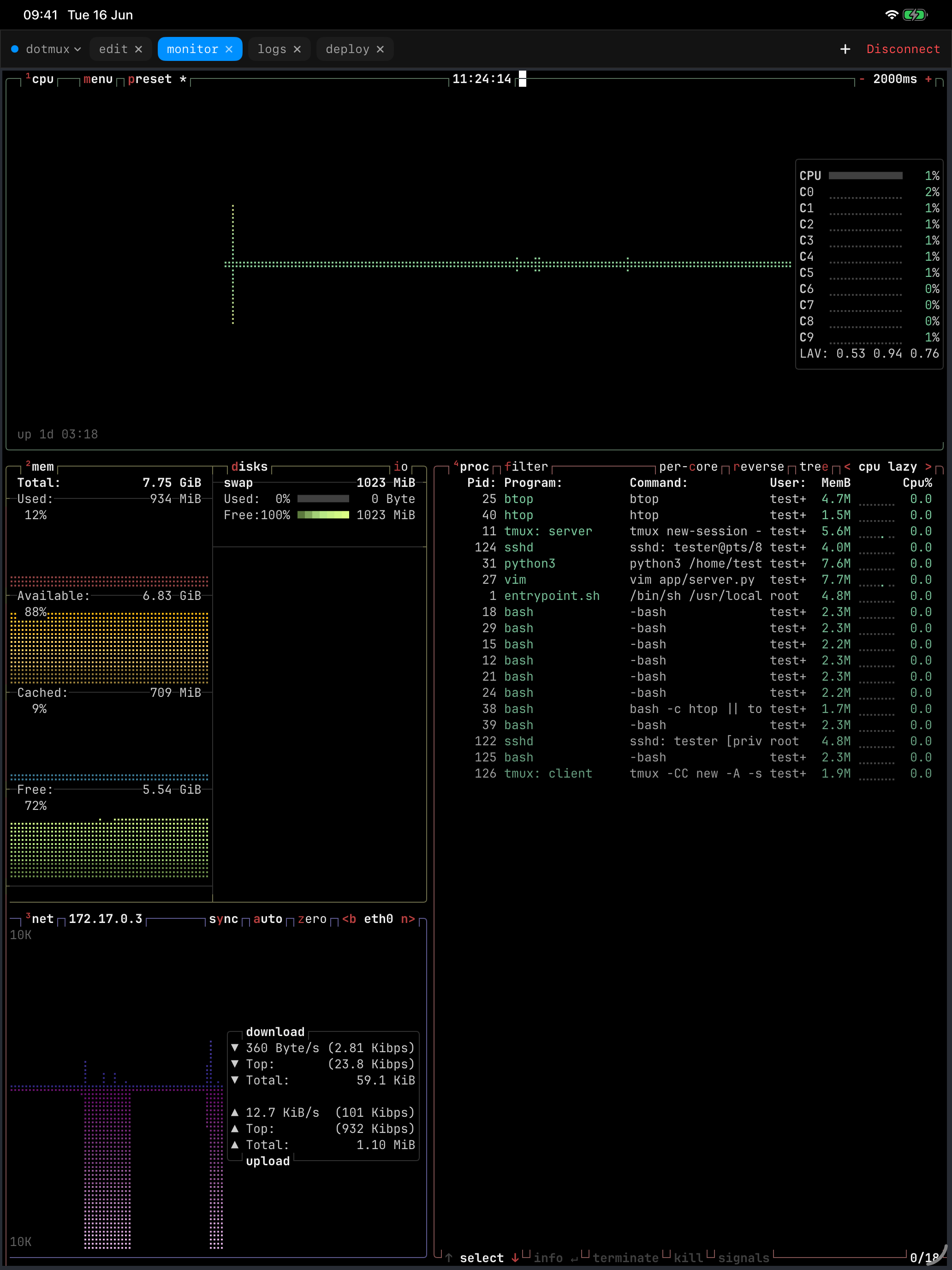
Keep every host connected, run saved snippets, open forwarded web UIs in an in-app browser, and work in tmux or herdr with tabs and panes that feel native. Checking on your coding agent, or any terminal app, from your phone? Paste it a screenshot, open the files it writes, draft a prompt, hit Esc.
Free for one host · $1.99 once for unlimited hosts, $1.99 once for File Management, no subscription · iOS 26+
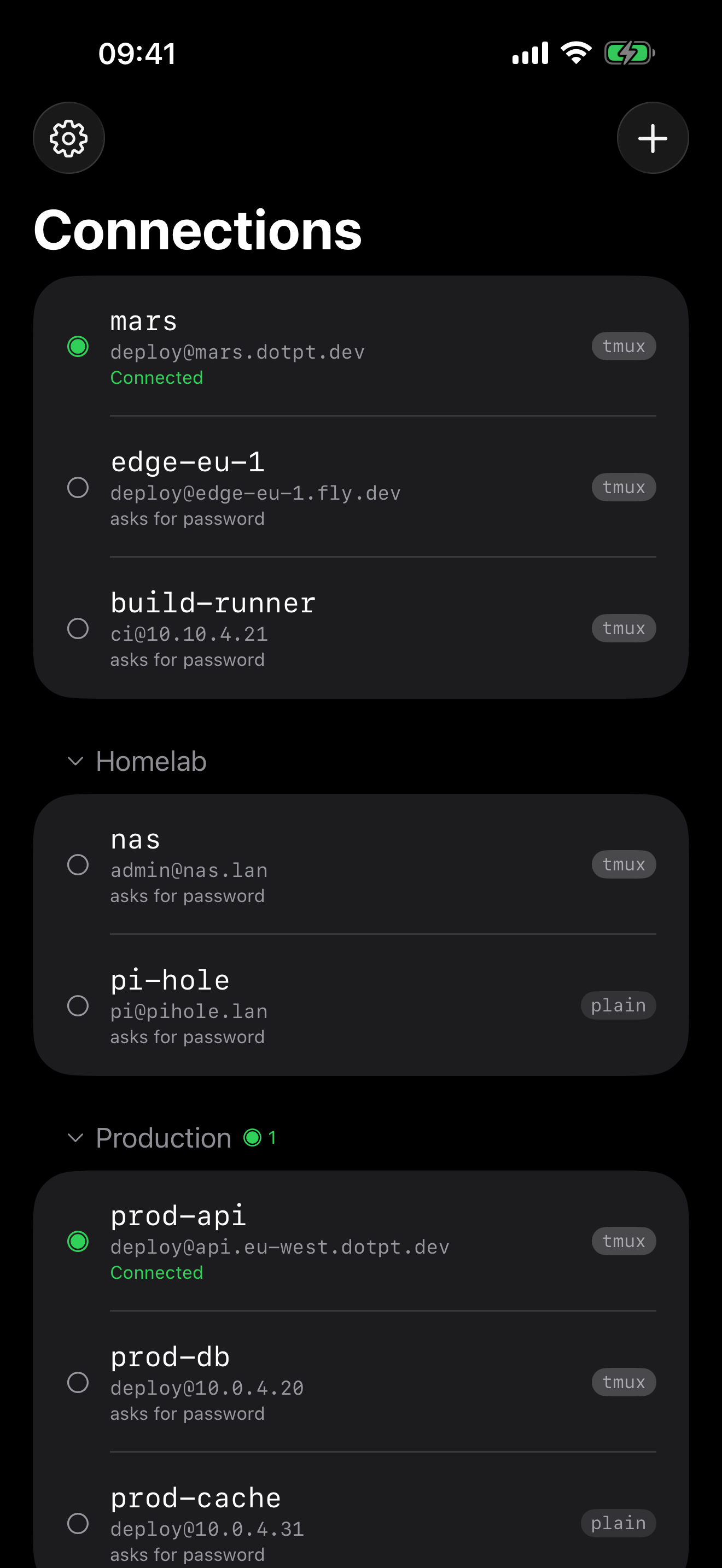
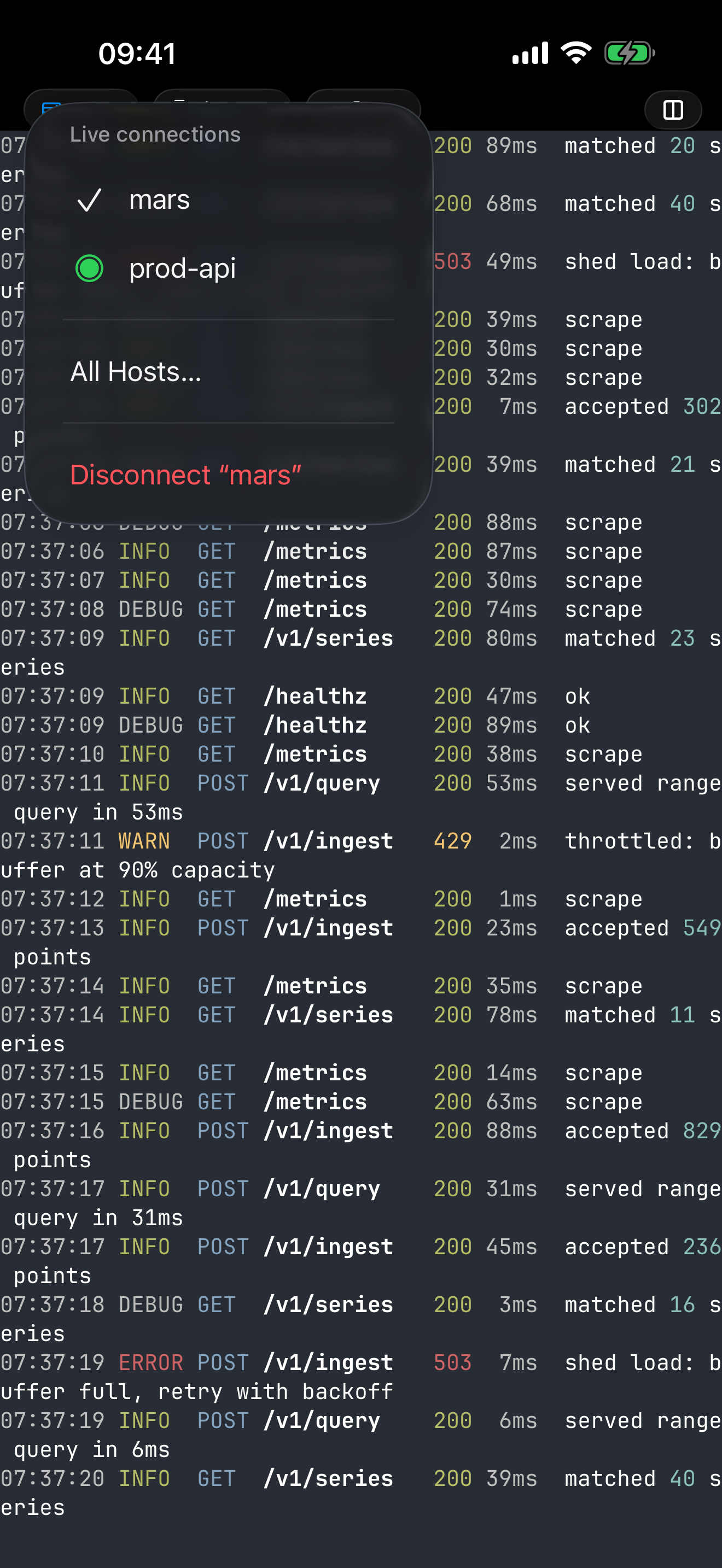
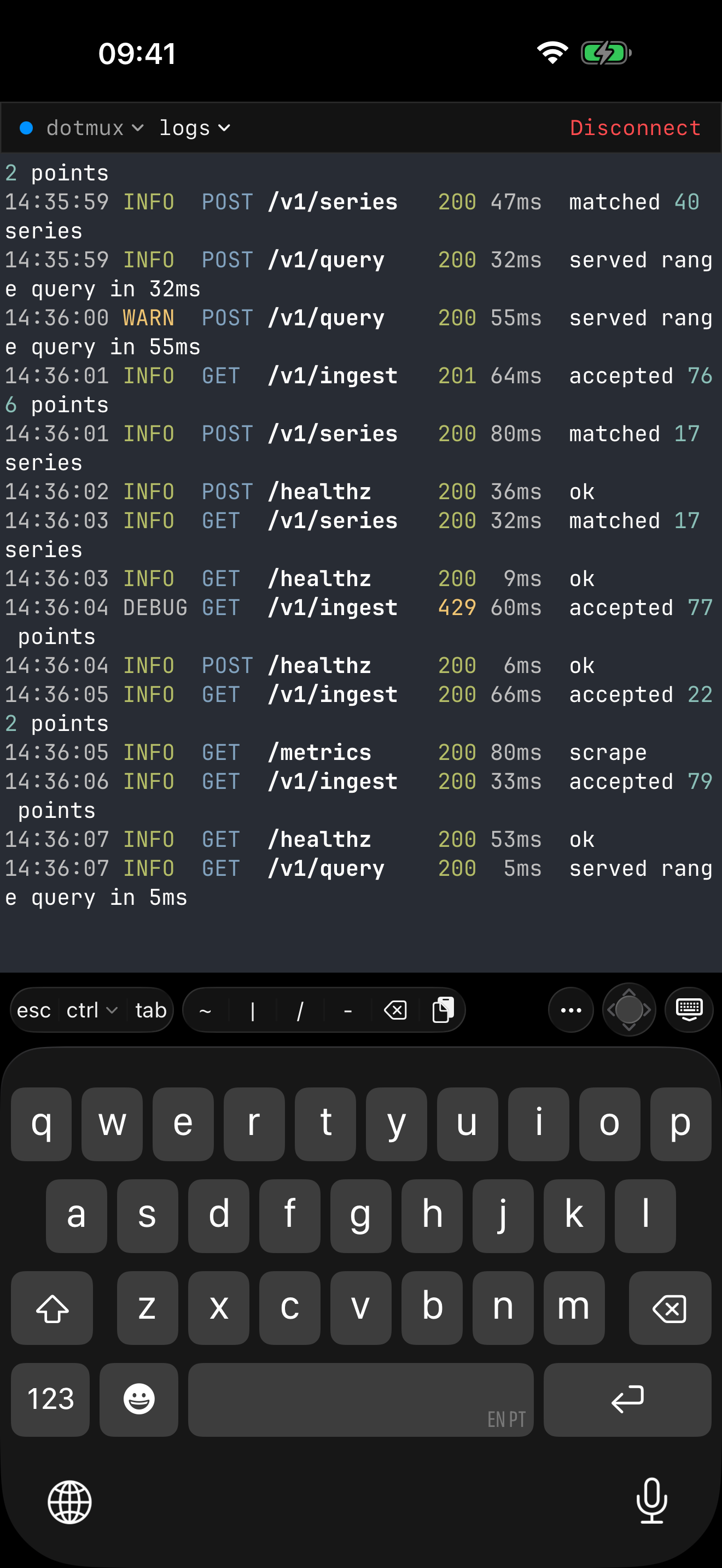
A homelab, a cloud VM, a build box. dotMux keeps several hosts connected at the same time: leaving a terminal doesn't disconnect it, so moving between servers is a tap, not a reconnect.
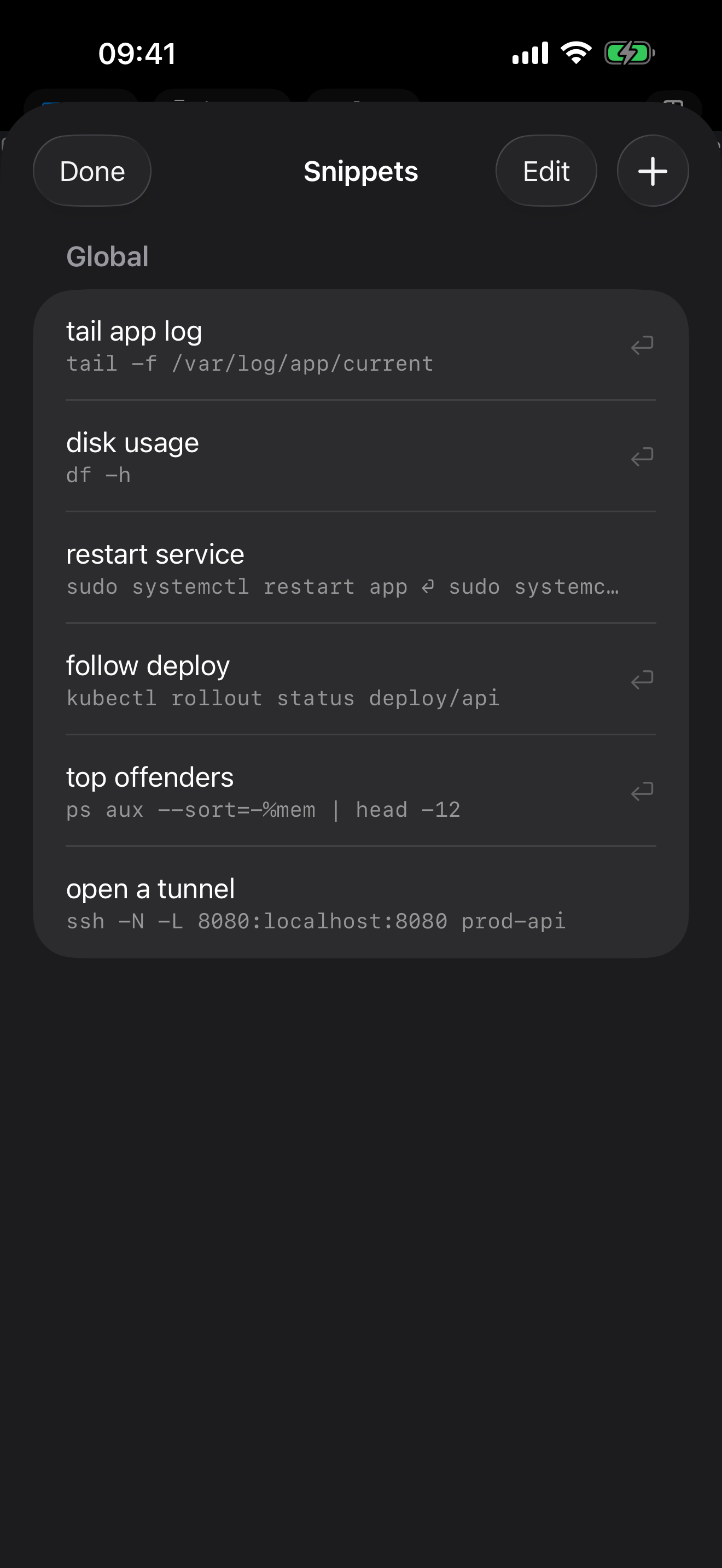
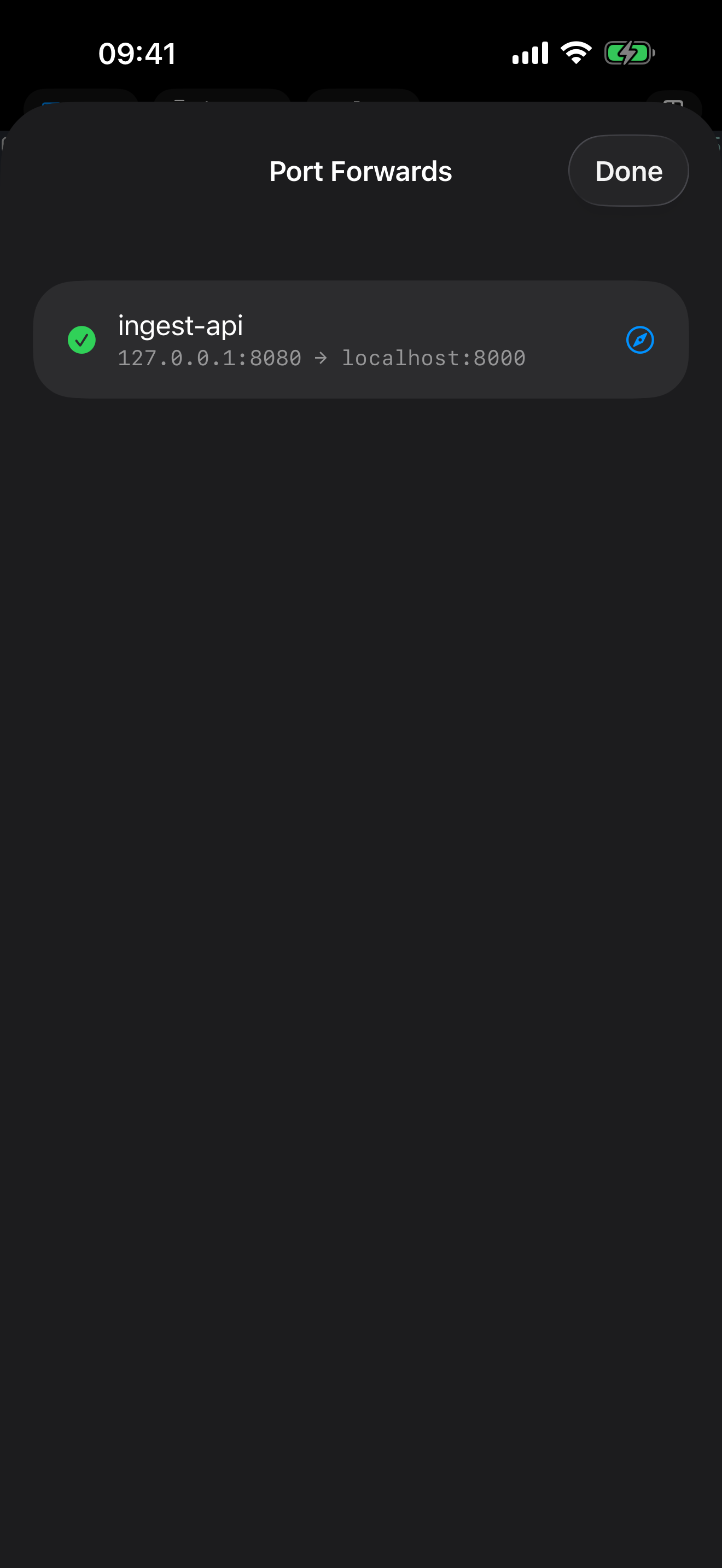
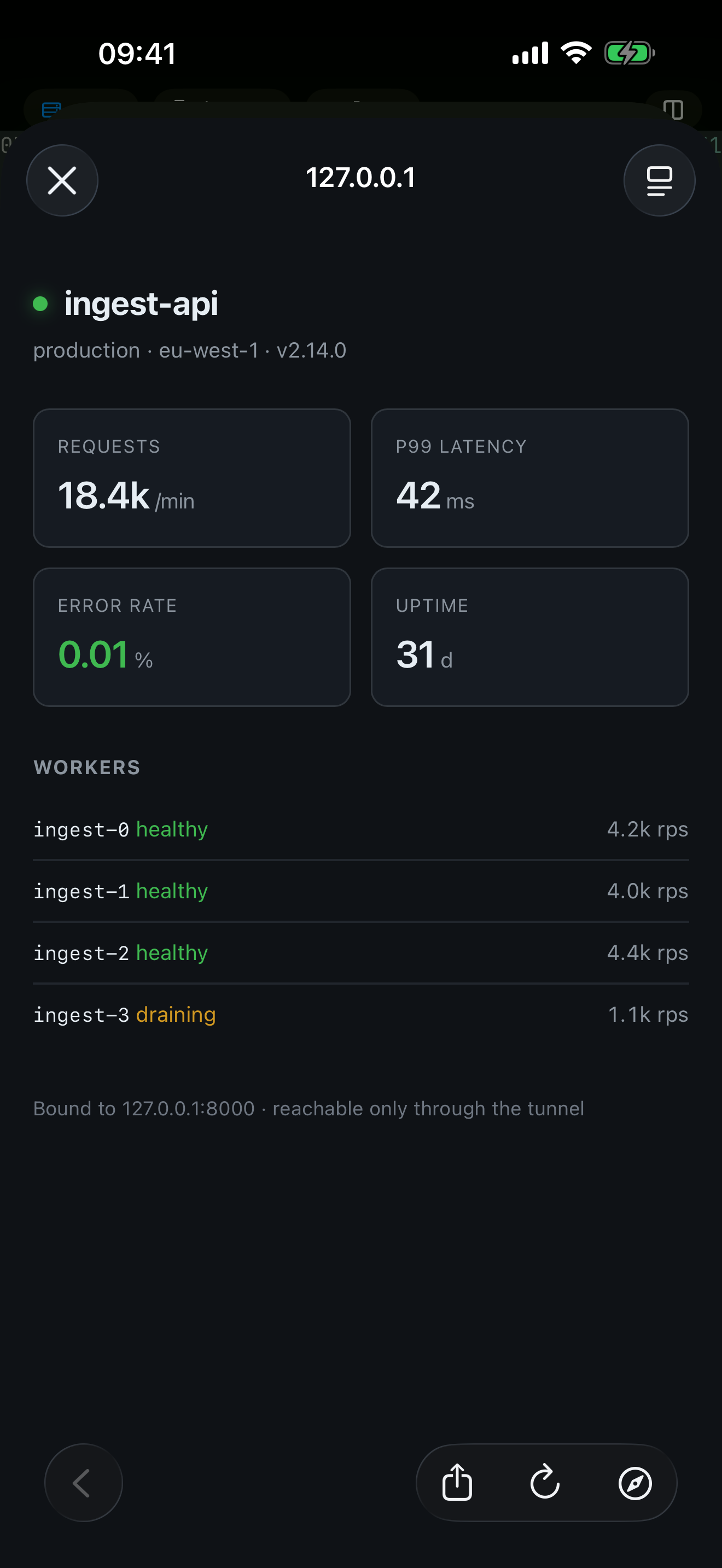
Save the commands you keep retyping, and reach the web UIs that only listen on the server's localhost — no VPN, no port exposed.
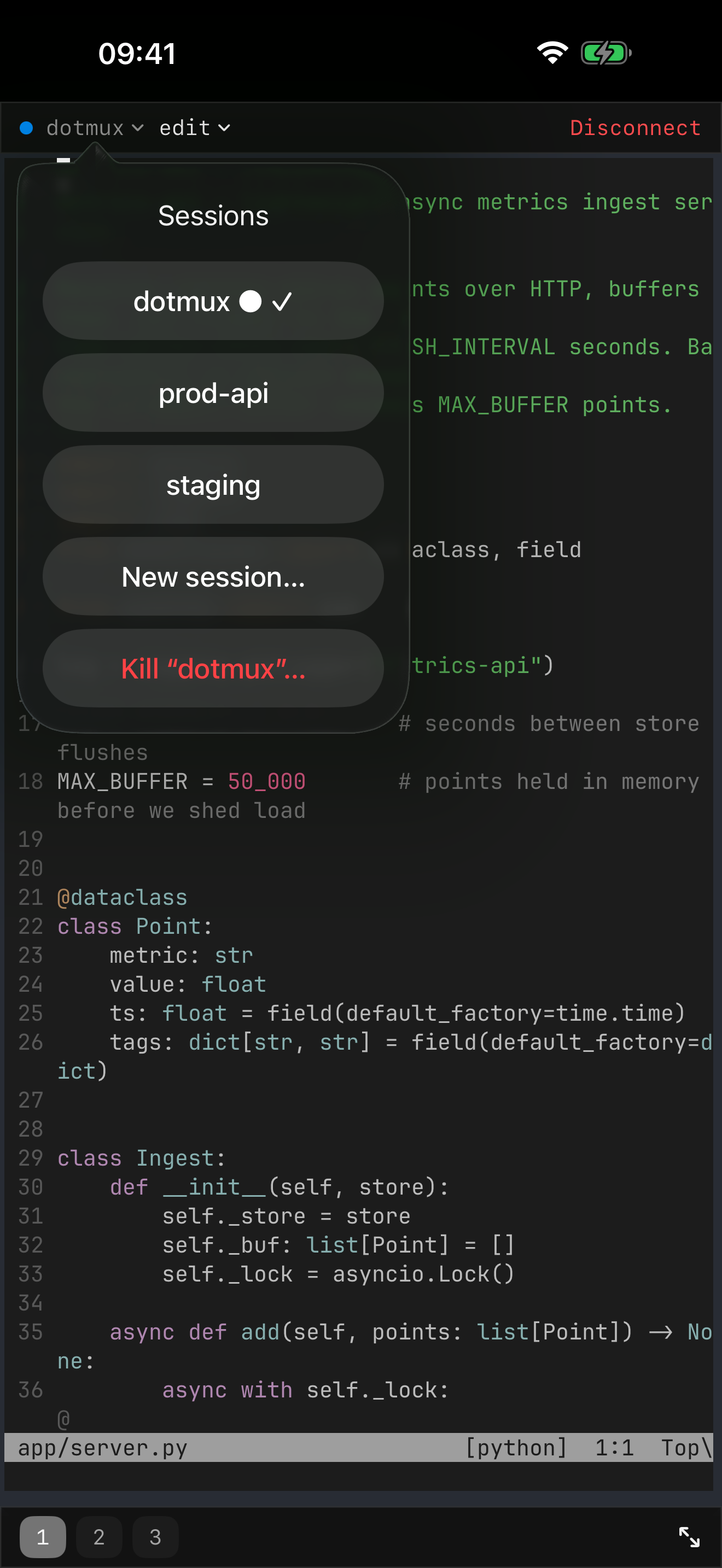
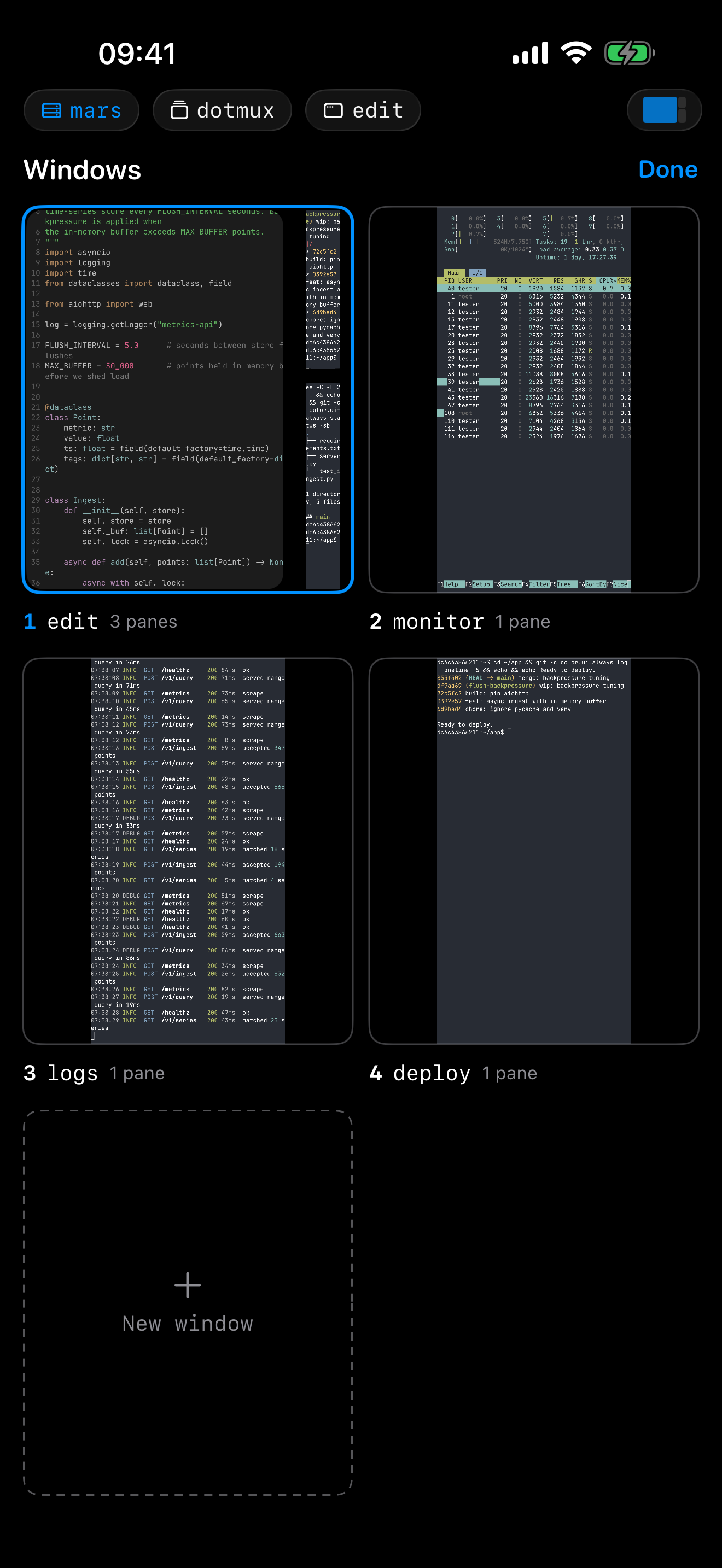
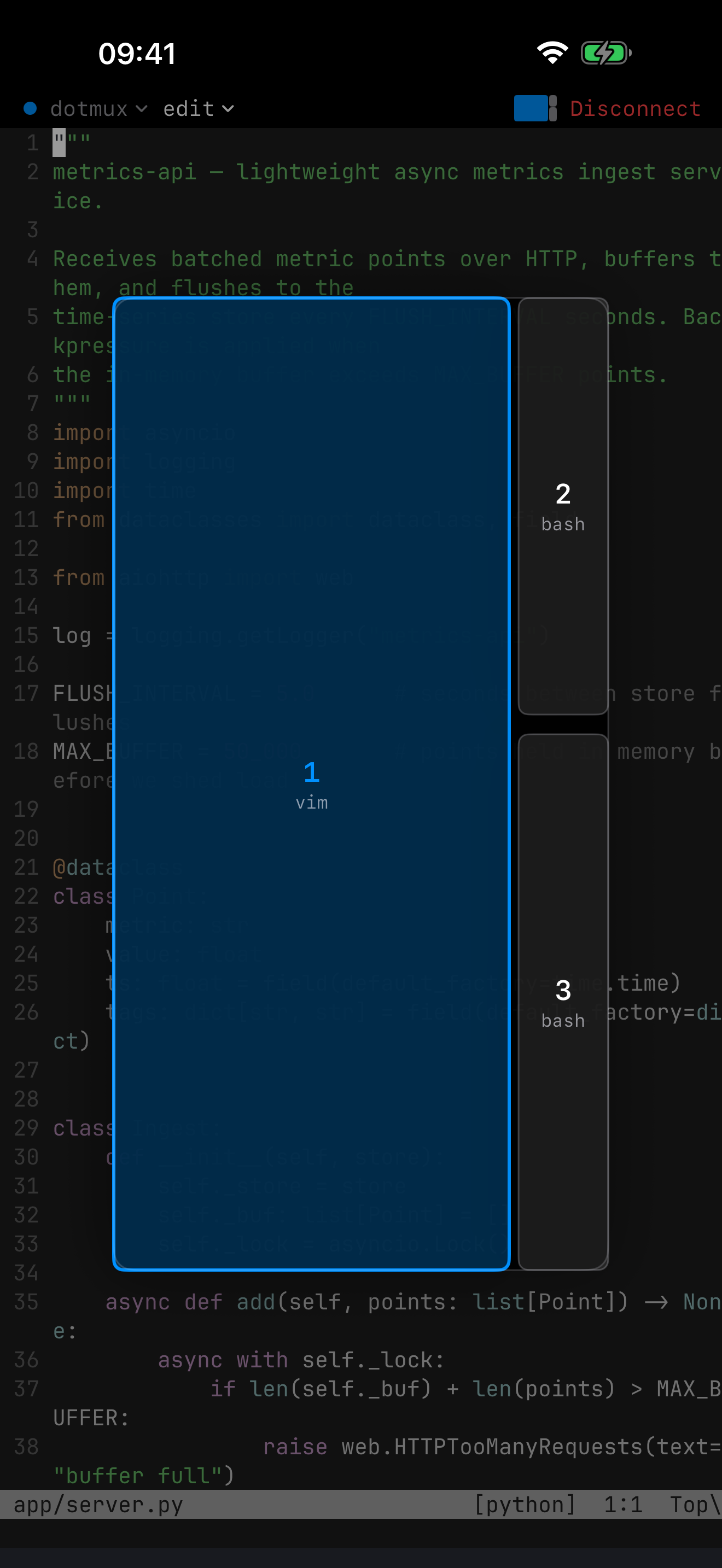
dotMux speaks tmux control mode (tmux -CC) and herdr's own protocol, so your remote session isn't drawn as one big terminal: windows become tabs, panes become native views, and every operation runs through the multiplexer itself.
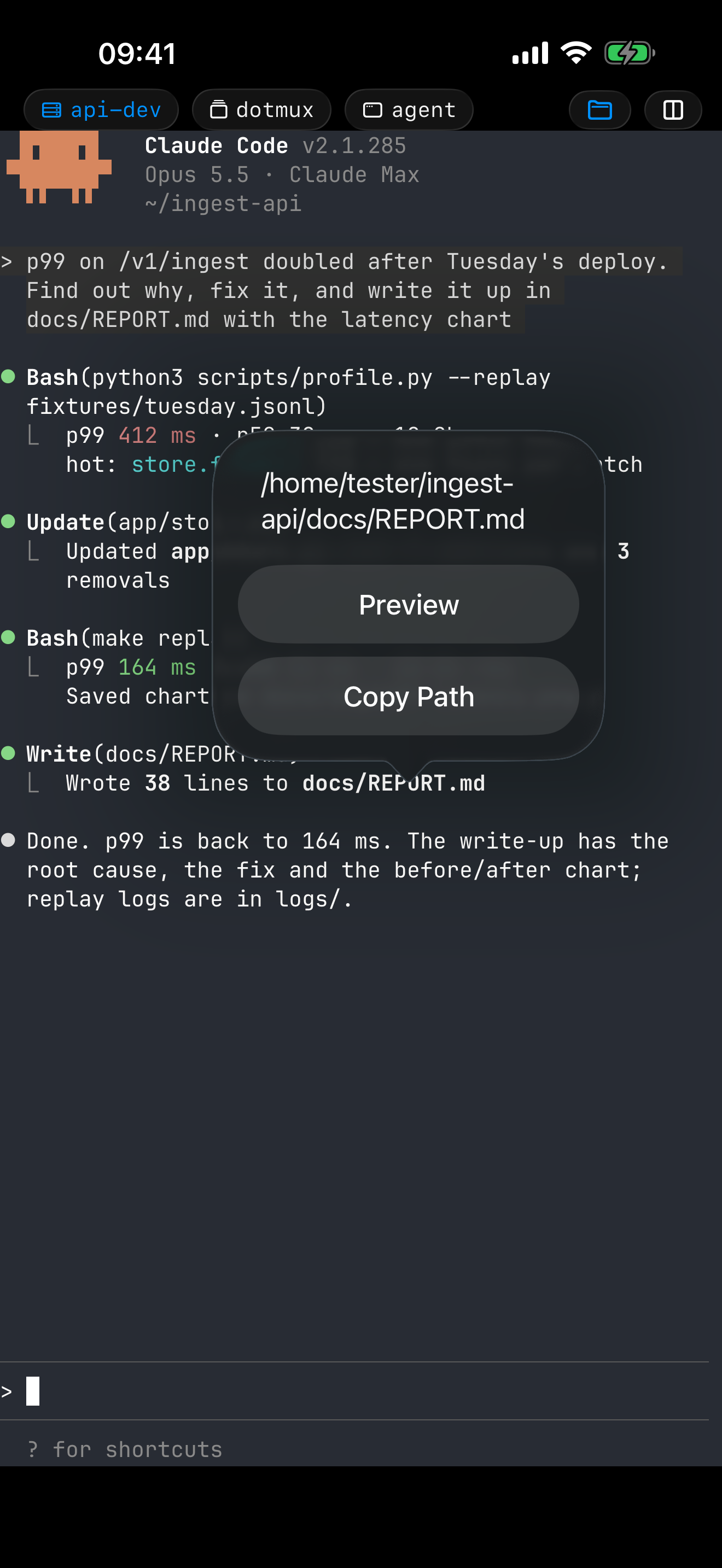
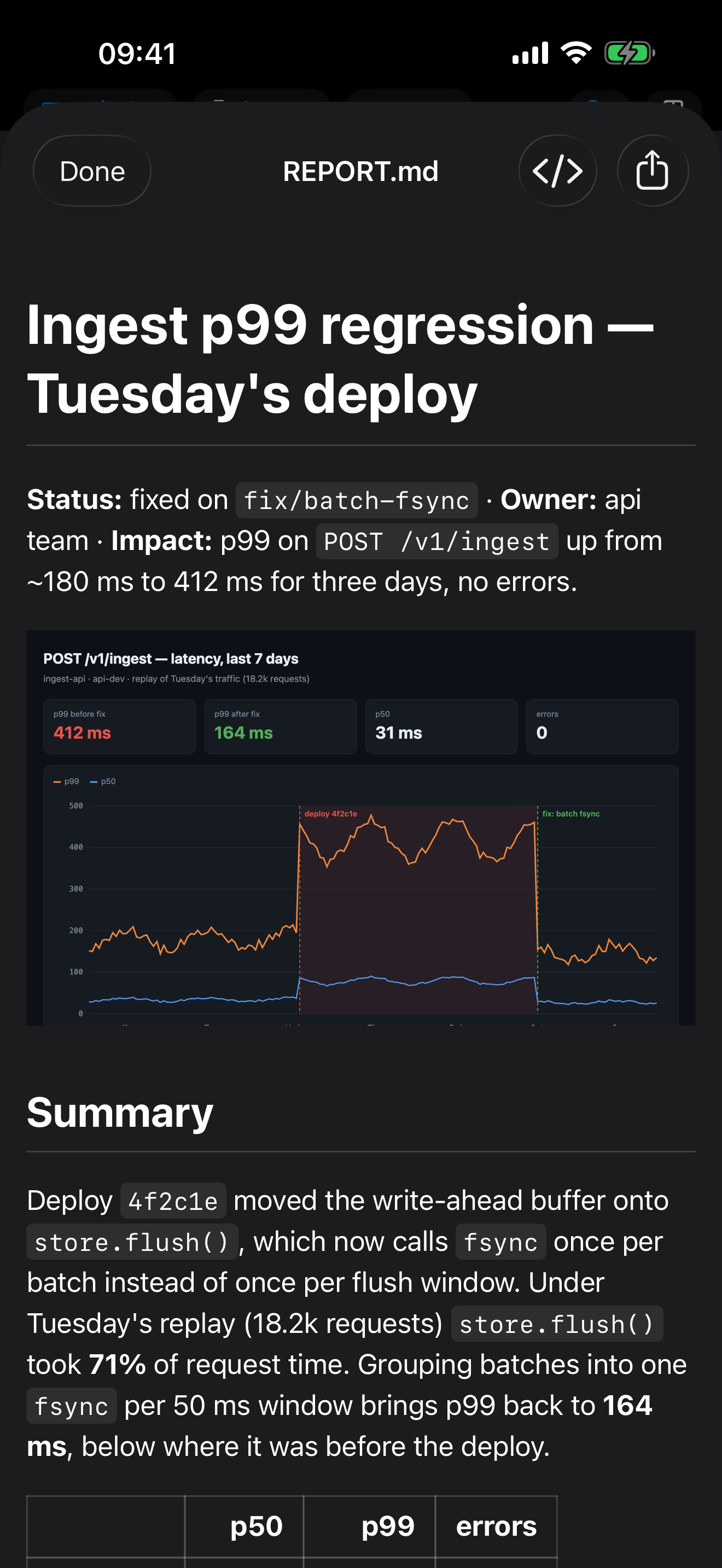
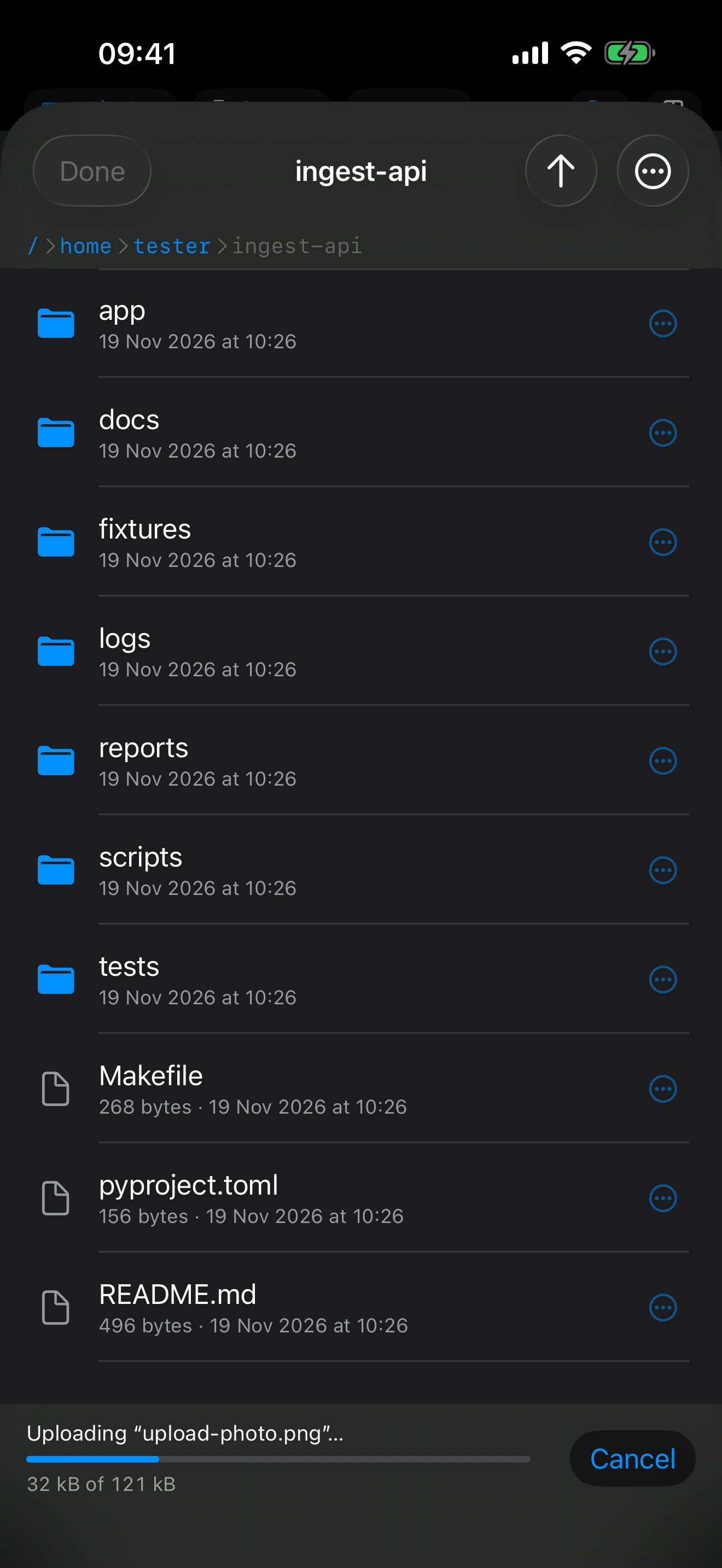
Agents and builds print file paths all day. In dotMux a printed path is a link: tap it and the file opens from the server, rendered. When you need more, a file browser opens at the pane's working directory, over the SSH connection you already have.
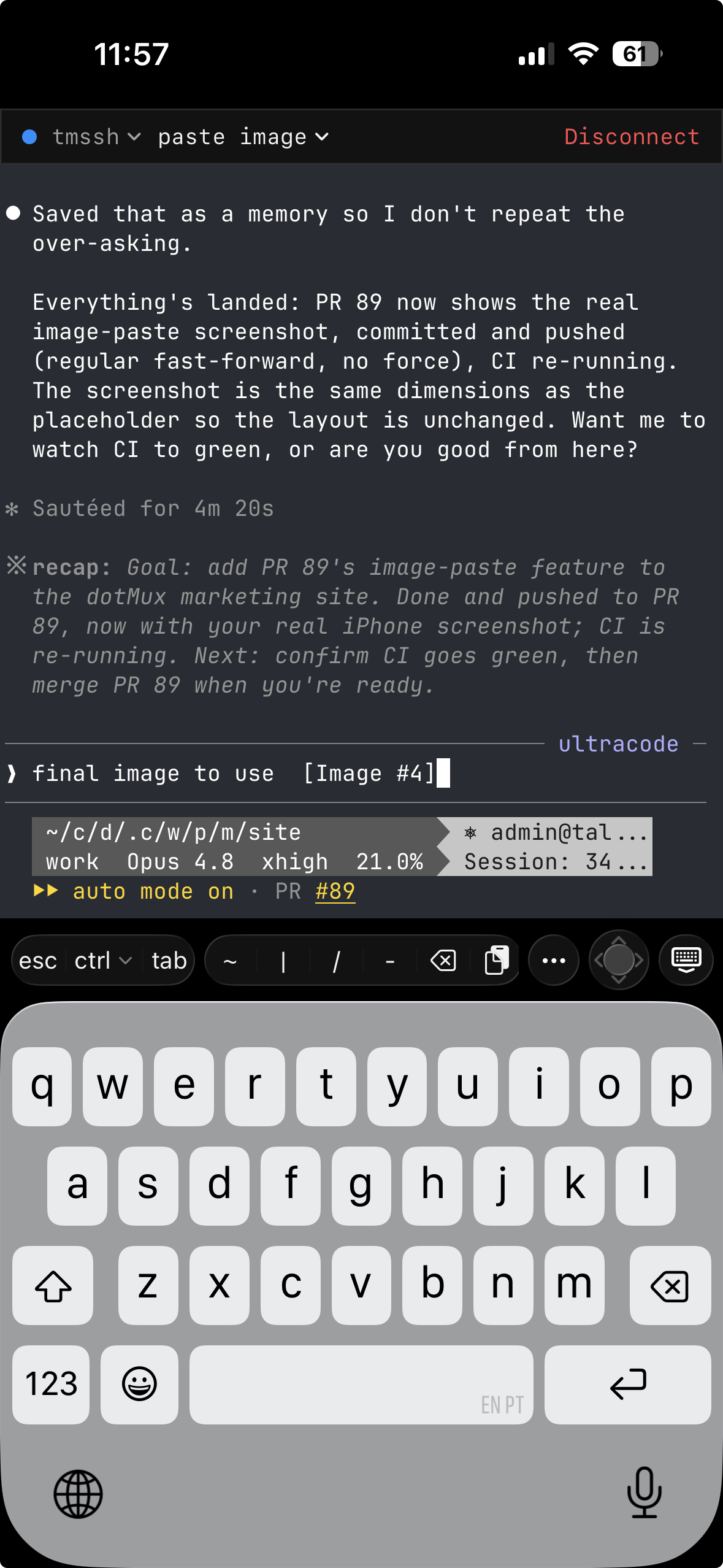
An agent waiting on you needs more than letters: a screenshot of the bug, a long prompt, an Esc to interrupt it. dotMux puts all of it on a phone.
One universal app. On iPhone, each pane gets the full screen. On iPad, panes sit side by side — your agent, its diff and your logs at once — and you resize them by dragging the dividers.

dotMux runs no servers and has no account. It connects straight from your device to your machines, and the developer never receives your keys, passwords or traffic.

Also in dotMux: themes, fonts and Ghostty or iTerm2 theme import · Shortcuts automation · re-attach after iOS suspends the app
No subscription, no account, no trial clock.
One saved host, fully featured: tmux and herdr, every key type, Face ID, iPad multi-window.
Save as many servers as you like. A one-time purchase, with Restore Purchases.
Unlimited previews, upload and download, rename, move, delete and new folder, permissions and owner. Browsing, Info and Copy Path stay free, with 5 previews a week. Separate from Unlimited Hosts; buy either, both, or neither.
No, but it's where dotMux shines. With tmux or herdr, your windows and panes become native tabs and views and survive iOS suspending the app. Without either, a host opens as a plain SSH terminal. tmux control mode →
Your shells, builds and agents keep running on the server, inside tmux or herdr. When you come back, dotMux re-attaches to the session and rebuilds your tabs and panes where they were. Coming back after iOS suspends the app →
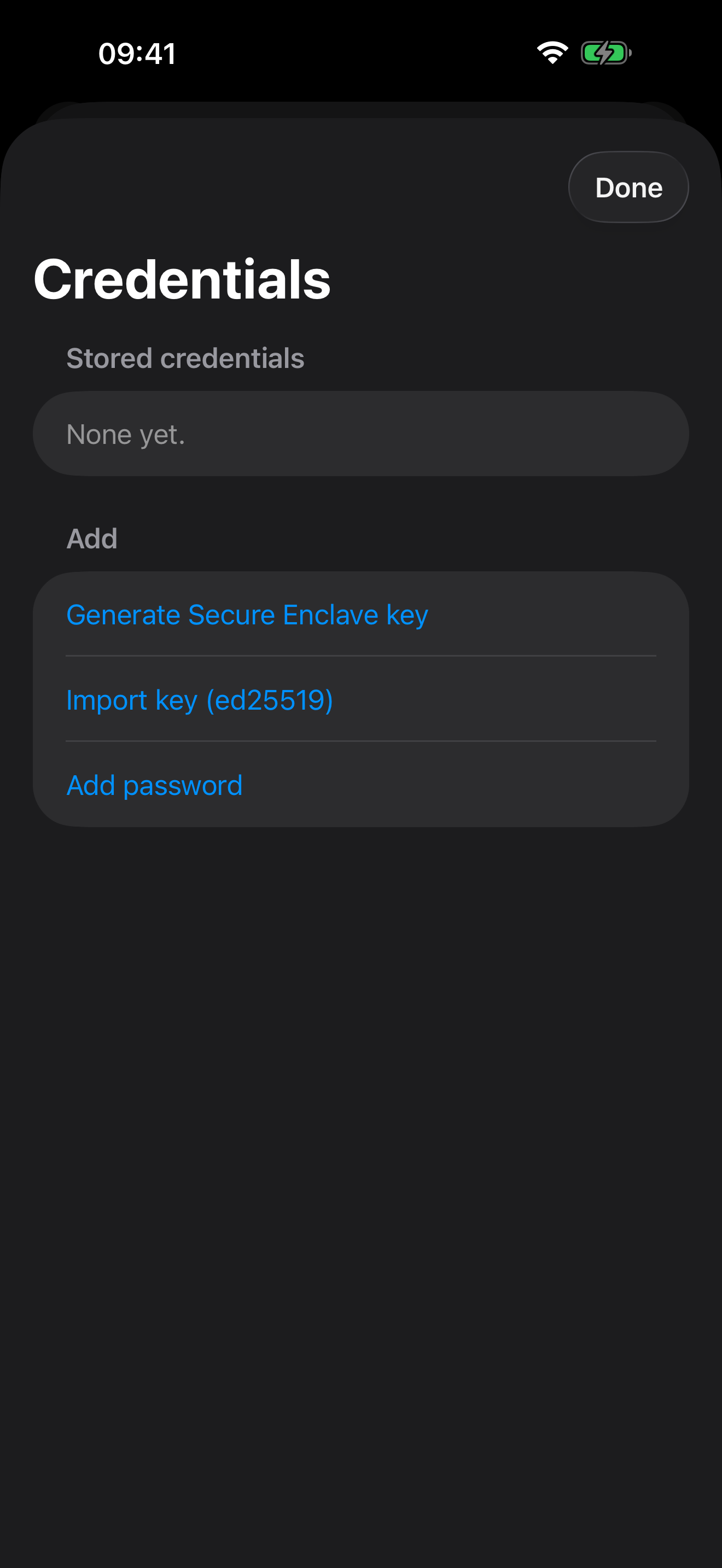
ed25519 and ECDSA (P-256) keys, imported by paste or from Files, or a key generated inside the Secure Enclave that never leaves the chip. Passwords work too. RSA keys aren't supported. Keys and passwords →
Yes, and with any other terminal app. Agents run in tmux or herdr on your server like any other CLI, and dotMux is the terminal you reach them through. Paste an image and dotMux uploads it to the host and types its path — Claude Code attaches it as [Image #1]. Pasting images into Claude Code →
Yes, over SFTP on the connection you're already using. Tap a path in the terminal to preview it, or open the file browser from the top bar to upload, download, rename, move and delete. Browsing, Info and Copy Path are free, with 5 previews a week; File Management is a separate $1.99 one-time purchase. There's no editor yet: to change a file, share it to another app and upload it back. Files: links, preview and browser →
No. dotMux has no servers and no account. It connects straight from your device to your machines, and collects no data. Security and privacy →
Jump hosts (ProxyJump), SOCKS, reverse and agent forwarding, iCloud key sync, a Files app integration and an in-app file editor are deferred. RSA keys are left out on purpose. Local port forwarding and an SFTP file browser ship. What isn't supported yet →
dotMux doesn't support mosh, on purpose. mosh runs a terminal emulator on the server and sends a picture of the screen, which drops inline images and newer terminal features. tmux and herdr cover dropped connections instead: your work keeps running, and reconnecting re-attaches you to it. Why not mosh →
More in the support center.
A native tmux and herdr client for iPhone and iPad, with real SSH keys and every host one tap away.